AI Talking Avatar Generator for Natural Videos

Turn a face image or video into a speaking character. InfiniteTalk creates an AI Talking Avatar with synced lips, facial movement, head motion, and body gestures.

MP3,WAV,M4A,OGG,FLAC
Free

Want Multi-Character Conversations?

Create realistic dialogues with multiple speakers using Infinite Talk Multi AI

AI Talking Avatar Preview

Definition

What is AI Talking Avatar?

An AI Talking Avatar is a generated video speaker that uses a face image or source video, then matches speech audio with mouth, face, and body motion.

Read more about AI Talking Avatar

An AI Talking Avatar helps when you need someone on screen but do not want to film a new take. You provide the visual source, add the voice or narration, and generate a talking avatar video.

The category overlaps with AI avatar generator tools, lip sync AI, image to video, virtual presenter software, and AI video avatar creation.

Features

Key AI Talking Avatar features in InfiniteTalk

A useful AI Talking Avatar should do more than place audio over a still face. It should keep the visible performance aligned with the spoken message.

Image plus audio creation

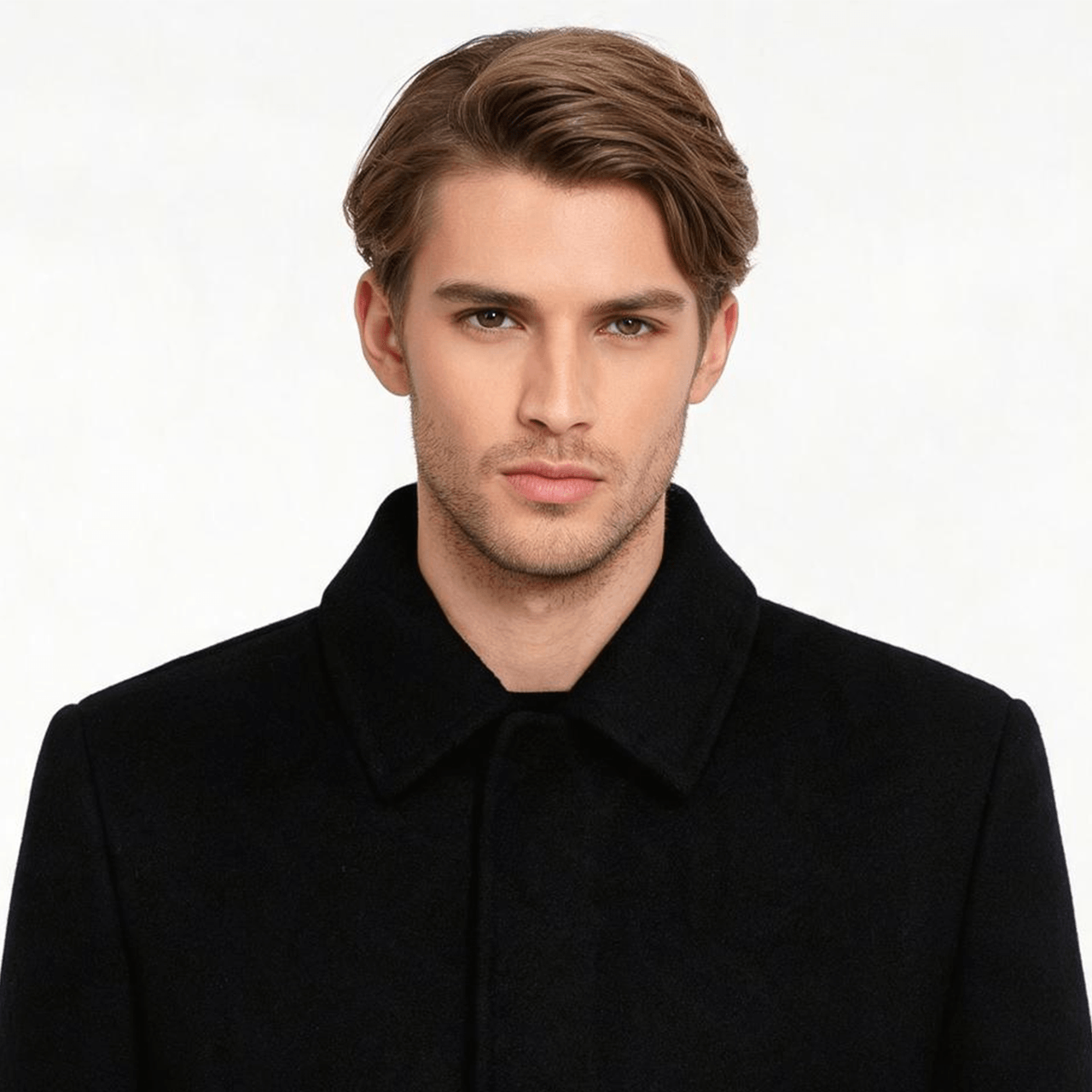
Start with one face image and one audio file. InfiniteTalk can bring static photos to life with a single image and audio track, making the AI Talking Avatar Generator useful for portraits, brand mascots, fictional characters, and approved presenter photos.
Video plus audio creation

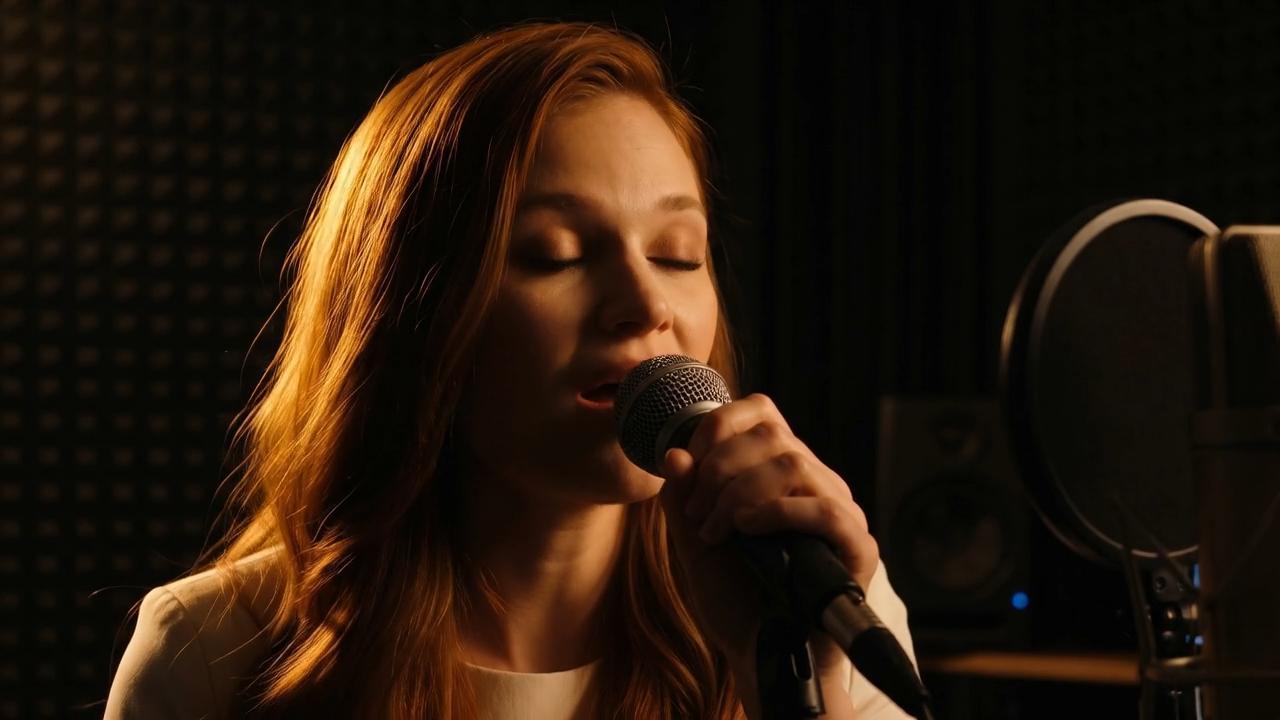
If you already have footage, use video to video instead of starting from a still image. This helps when you want to update a product clip, training video, or host segment without reshooting the visual source.

Lip sync with facial and body motion

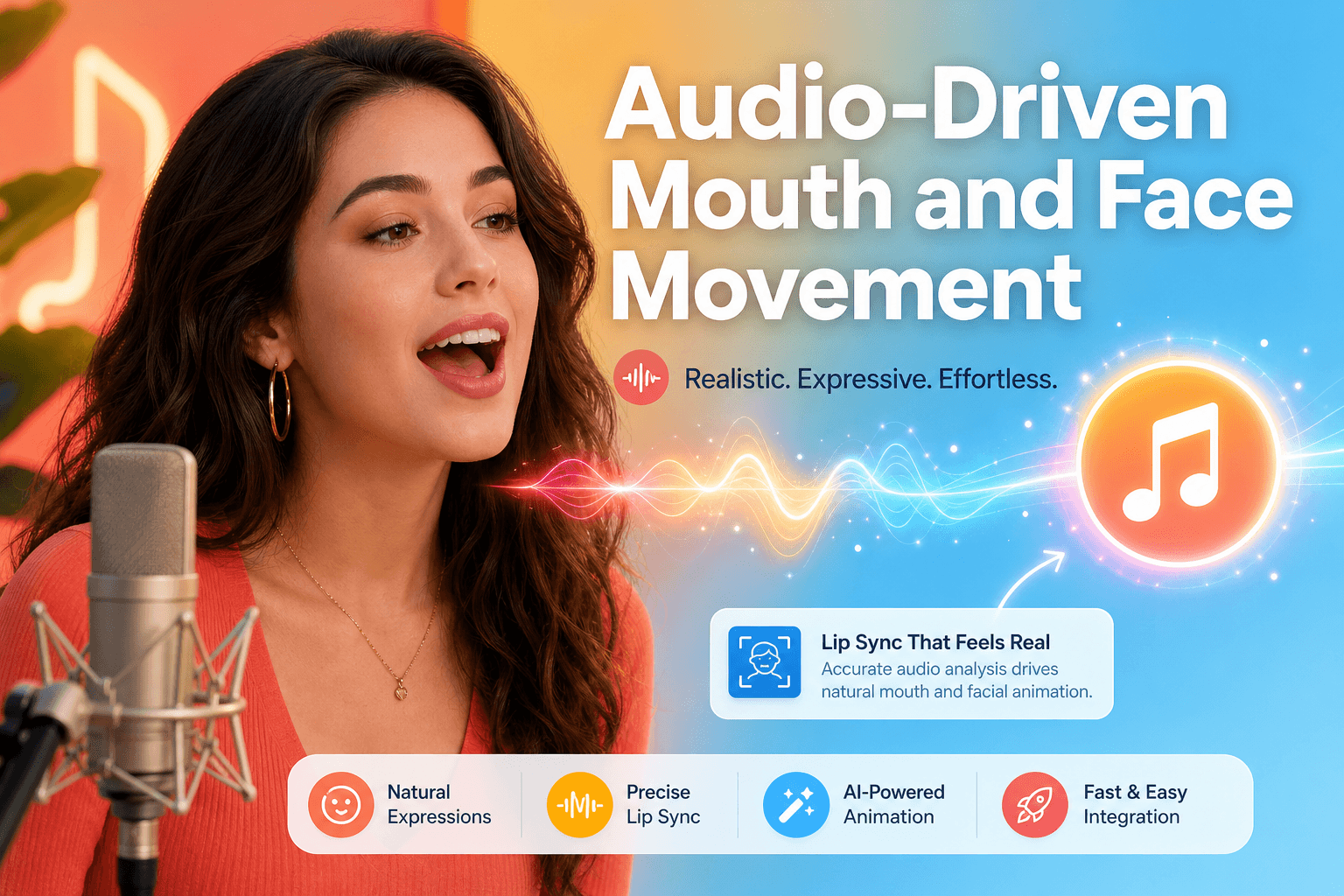
InfiniteTalk creates talking videos with natural lip sync, facial movement, head motion, posture, and body gestures. A fuller motion target helps the speaker feel less static in the finished video.

Longer talking videos

InfiniteTalk is built for longer talking videos and the tool page records a 600-second maximum generation duration. That gives creators room for lessons, product messages, and recurring speaker content.

Resolution and credit options

Choose the output quality that matches the project. InfiniteTalk publishes multiple resolution choices and credit-based generation details, so you can draft, review, and download from the browser.

Browser-based workflow

Upload source media, add audio, generate, preview, and download without opening desktop editing software. That keeps AI Talking Avatar creation close to the actual production task.

Showcase

See AI Talking Avatar examples in action

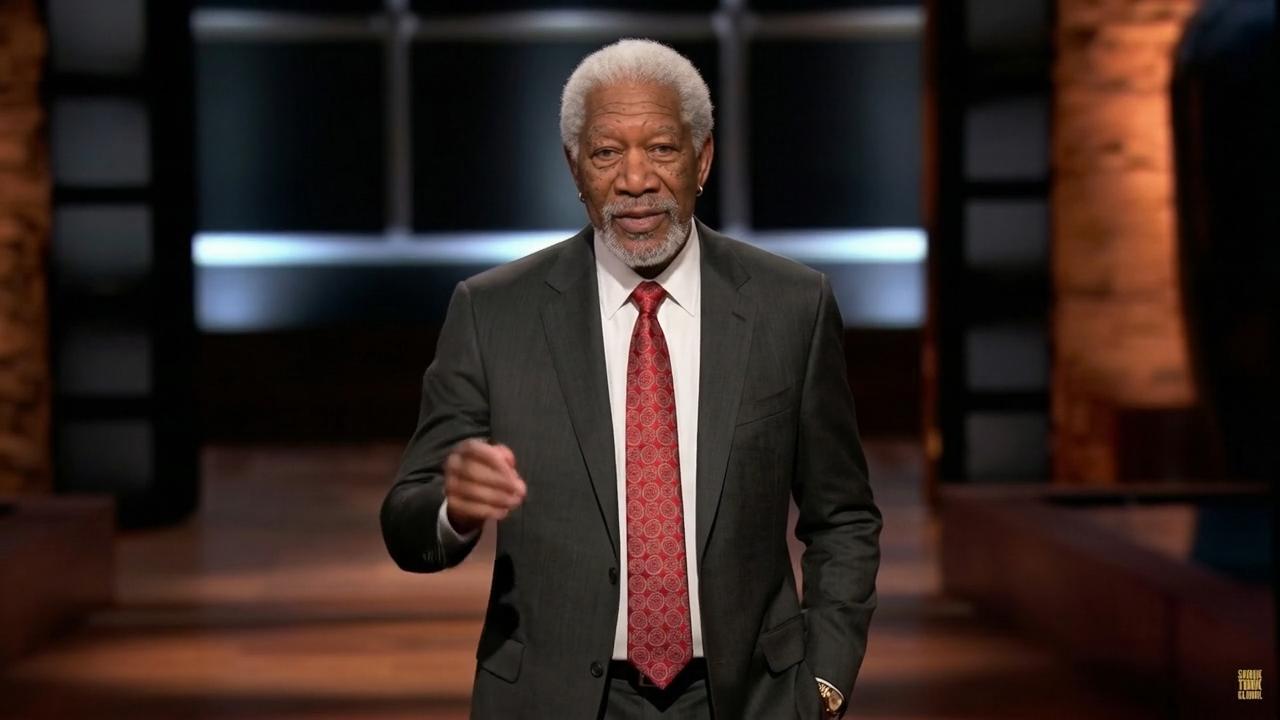
Browse generated talking avatar examples and inspect how a face, voice track, and motion come together.

Workflow

How to create an AI Talking Avatar in InfiniteTalk

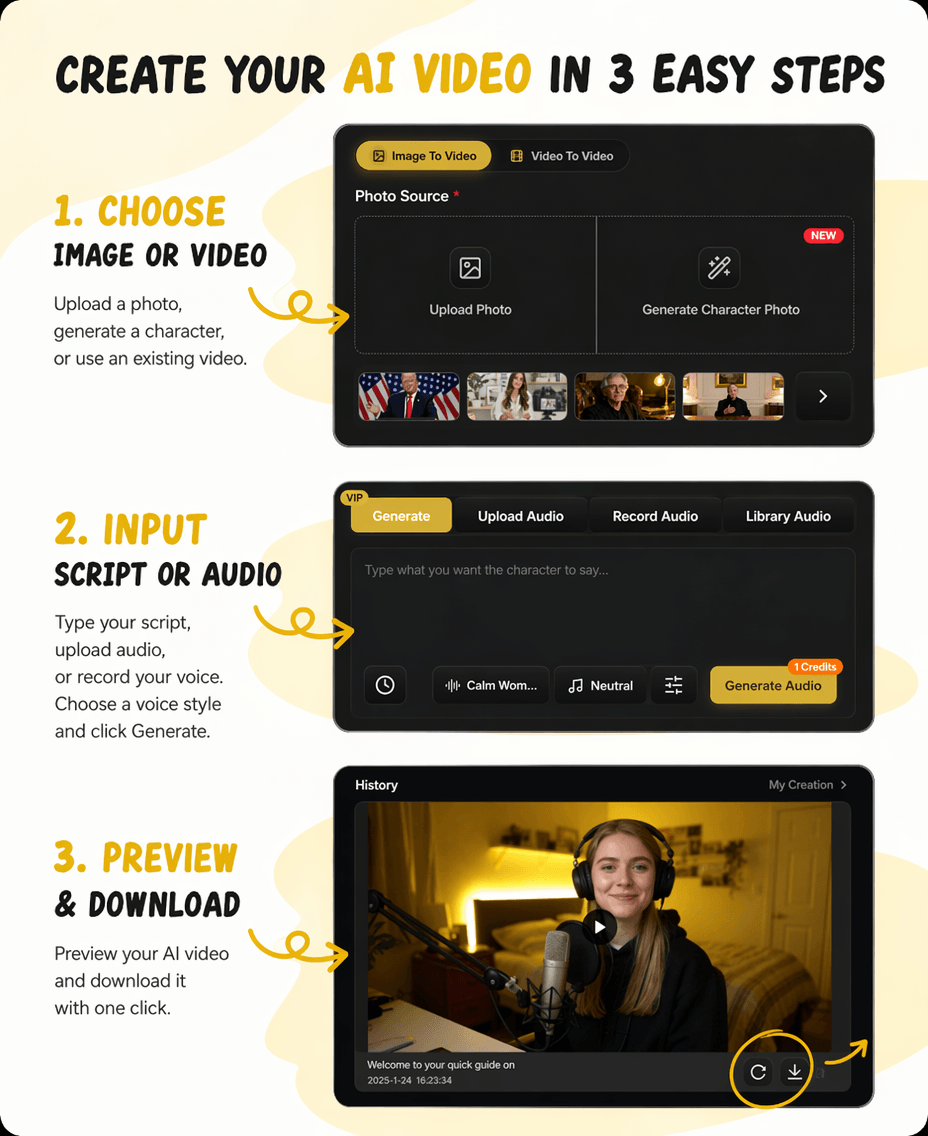
You can make an AI Talking Avatar in a short browser flow: choose source media, add speech audio, generate, then review and export.

3-step flow

From source media to finished talking video

Start with the face, add the message and prompt, then review the generated video.

1

Upload a face image or source video

Choose a clear face image or existing video.

2

Add speech audio and prompt

Upload the script audio and describe the expression or behavior.

3

Generate, review, and download

Review lip sync, expression, and motion before export.

AI Talking Avatar step by step example

Use cases

AI Talking Avatar use cases for creators and teams

AI Talking Avatar content works best when a face needs to deliver a message and recording a new video is slow, costly, or hard to repeat.

For YouTube and social creators

Use AI Talking Avatar for YouTube intros, Shorts, explainer clips, commentary, and recurring character videos while keeping one visual identity across posts.

For education and training

Create a course narrator, onboarding guide, or lesson presenter from an approved face source when a lesson needs a clear speaker.

For marketing and ecommerce

Use an AI Talking Avatar for product explainers, sales announcements, localized offers, and short promotional messages without a new camera setup for every update.

For product support

Turn help articles, release notes, or FAQ answers into short talking avatar videos when a presenter makes the message easier to watch.

For internal communication

Use a virtual presenter for onboarding updates, policy explainers, and sales enablement clips where a consistent speaker is useful.

For character and story content

Animate a fictional character, mascot, or illustrated face with a voice track. Keep rights and consent clear when the image represents a real person.

Compare

How InfiniteTalk compares with other AI Talking Avatar tools

Many avatar pages promise a speaker on screen. Compare them on input flexibility, motion scope, and fit for longer talking videos.

If you want a template avatar in a slide-style video, a general AI avatar generator may be enough. If you need a talking avatar from your image or video, InfiniteTalk is a closer fit.

Input source
Use image plus audio or video plus audio depending on the media you already have.
Motion scope
Create talking videos with lip sync, facial expression, head movement, posture, and body gestures.
Longer video fit
Use InfiniteTalk when an avatar needs to support lessons, product messages, and recurring speaker content.
Best fit
Choose InfiniteTalk when the AI Talking Avatar needs to come from your image or video and follow your audio.

Why choose

Why choose AI Talking Avatar from InfiniteTalk

Choose InfiniteTalk when the avatar should feel like a full talking performance, not a flat portrait with a moving mouth.

Built around audio-driven video

AI Talking Avatar creation is part of a broader talking-video workflow, with support for both image-to-video and video-to-video inputs.

Better fit for reusable speakers

If your brand, course, or creator channel needs the same face to deliver many scripts, a repeatable workflow matters.

Honest input requirements

An AI Talking Avatar depends on the face source and the audio, so clear facial features and clean speech should stay part of the workflow.

Room for advanced talking-video work

InfiniteTalk also has a broader product surface around talking videos, pricing, credits, and multiple creation modes.

FAQ

Frequently asked questions about AI Talking Avatar

These answers cover the practical questions people ask before choosing an AI Talking Avatar Generator.

What is an AI Talking Avatar?

An AI Talking Avatar is a generated speaker video that matches speech audio with a face image or source video. InfiniteTalk supports this through image plus audio and video plus audio workflows.

How do I create an AI Talking Avatar?

Upload a clear face image or source video, add speech audio, write a short prompt if needed, generate, and review the output.

Can I create a talking avatar from image and audio?

Yes. InfiniteTalk can bring static photos to life with a single image and an audio track, which supports creating a talking avatar from image and audio.

Does AI Talking Avatar work with lip sync?

Yes. InfiniteTalk creates talking videos with lip synchronization, facial movement, head movement, posture, and body gestures from images or videos.

Can I make a talking avatar video online?

Yes. InfiniteTalk runs in the browser, so you can upload media, add audio, generate, and download without a desktop editing app.

Is an AI Talking Avatar the same as an AI avatar generator?

They overlap, but they are not always the same. An AI avatar generator may create a still avatar, while an AI Talking Avatar focuses on a speaking video output.

Can I use AI Talking Avatar for YouTube, education, or marketing?

Yes, when you have rights to the image and audio. It fits presenter-style videos for creator content, lessons, product messages, and training updates.

What input quality works best?

Use a high-quality image with clear facial features and clean speech audio. Frontal face images usually make the result easier to judge.

Create your AI Talking Avatar with InfiniteTalk

Bring your image, video, and audio into InfiniteTalk, then generate an AI Talking Avatar you can review, download, and use in your next project.

Use the AI Talking Avatar Generator for YouTube clips, product messages, course lessons, support videos, internal updates, and virtual presenter content.