AI Singer Generator

AI Singer - Turn Any Photo Into a Singing Video

Upload a photo, add a song, and your AI Singer is ready in minutes. No camera. No editing software. Works on people, pets, cartoons, and anything with a face.

MP3,WAV,M4A,OGG,FLAC
Free

Want Multi-Character Conversations?

Create realistic dialogues with multiple speakers using Infinite Talk Multi AI

AI Singer Preview

Definition

What Is an AI Singer?

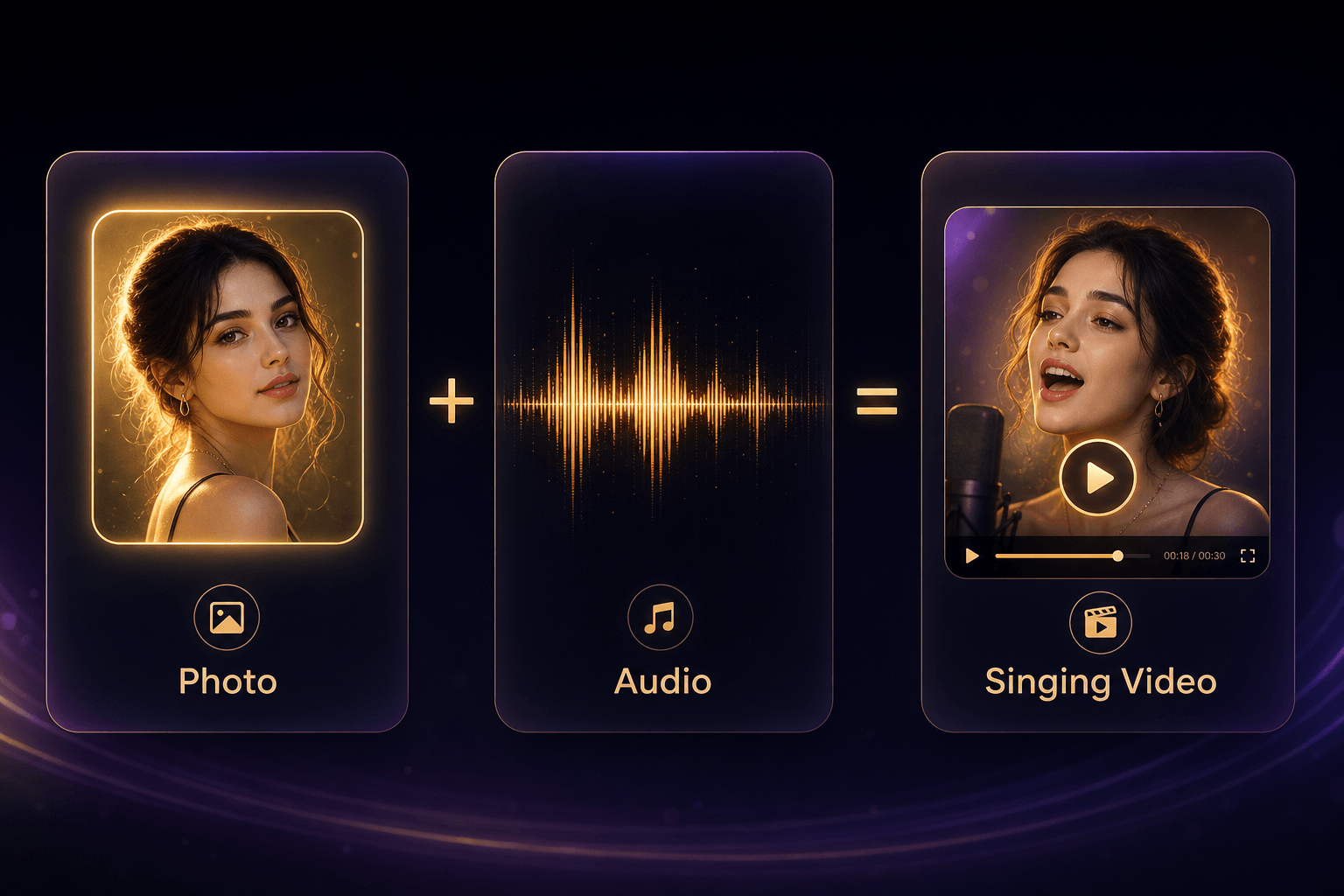
Upload one photo and one song - the AI animates the face to sing along, with matched lip movements and facial expressions. No studio, no editing software.

  • Works on people, pets, cartoons, and paintings
  • Lip sync matched syllable-by-syllable to the music
  • Seven expression modes - Happy, Sad, Angry, and more
  • Exports MP4 in minutes, ready for TikTok or Instagram
Photo plus Audio equals Singing Video - AI Singer formula

Showcase

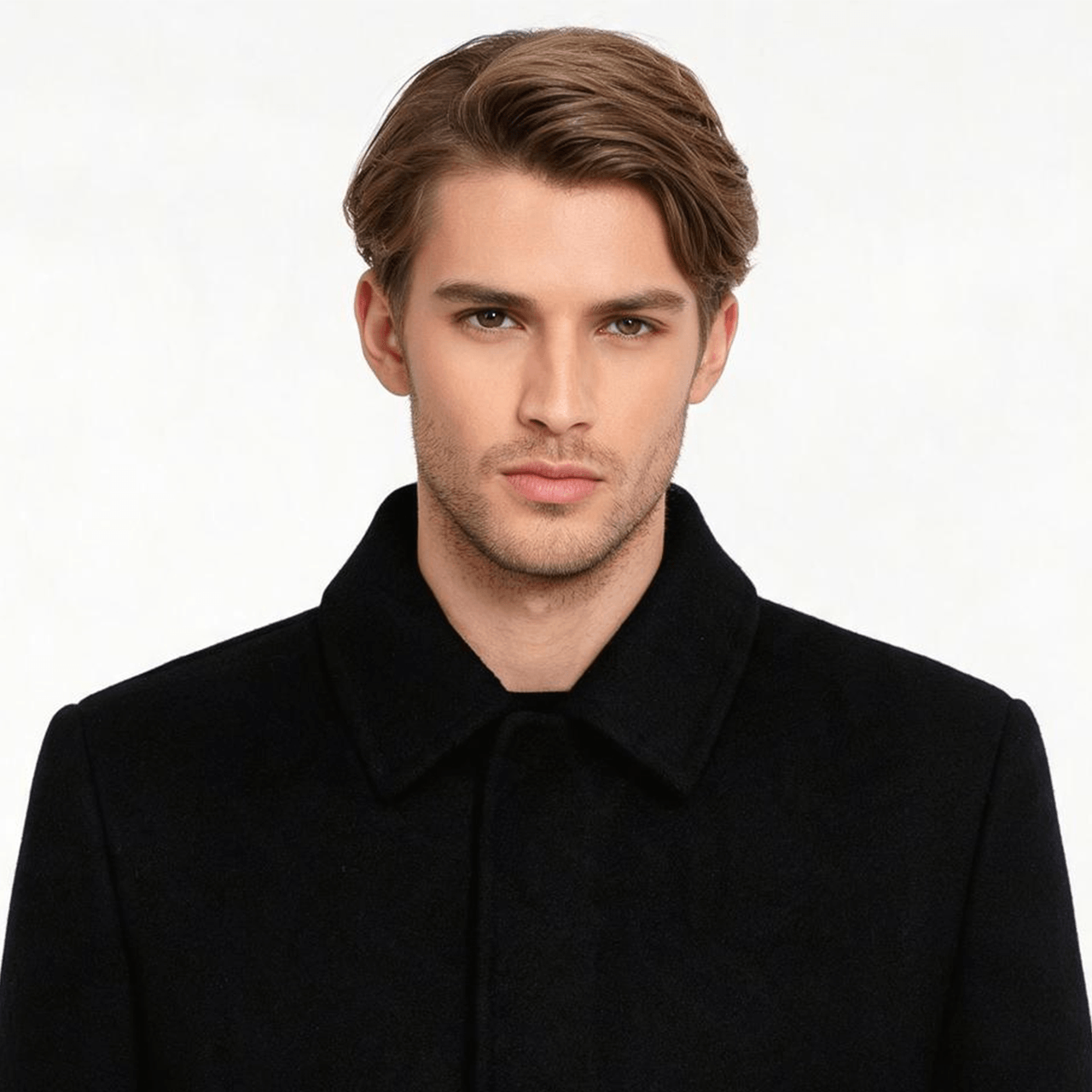
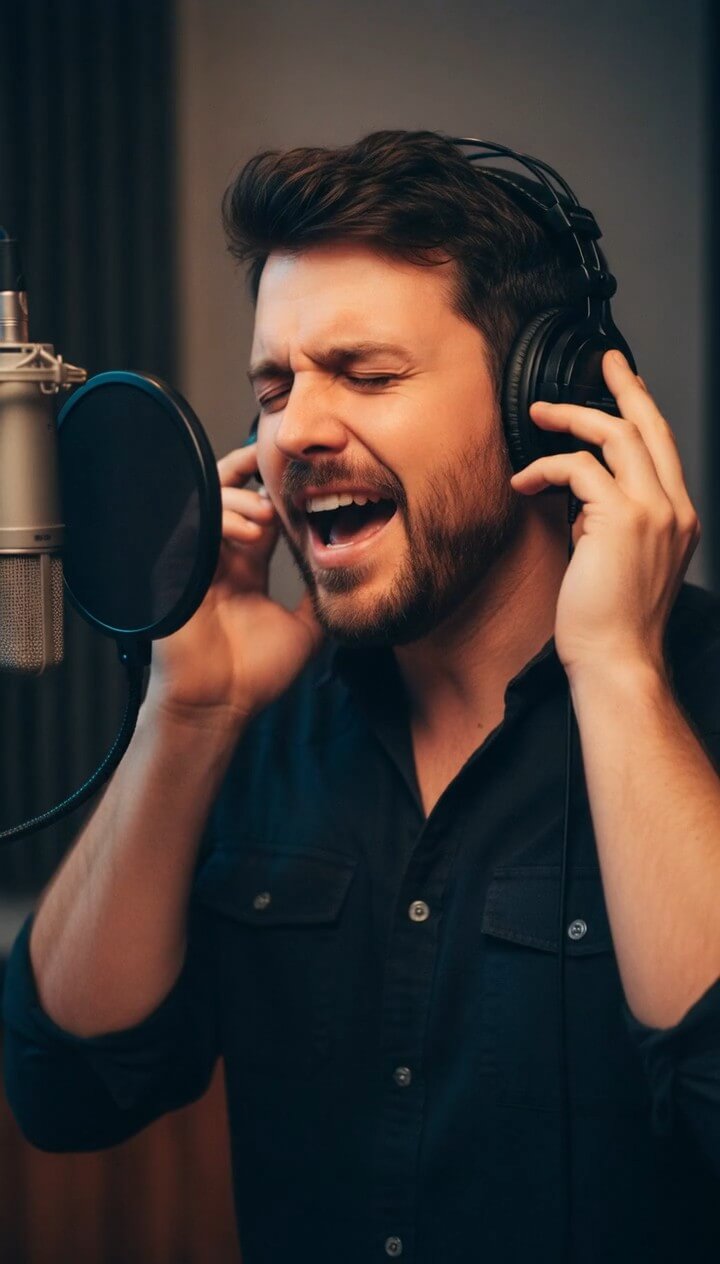
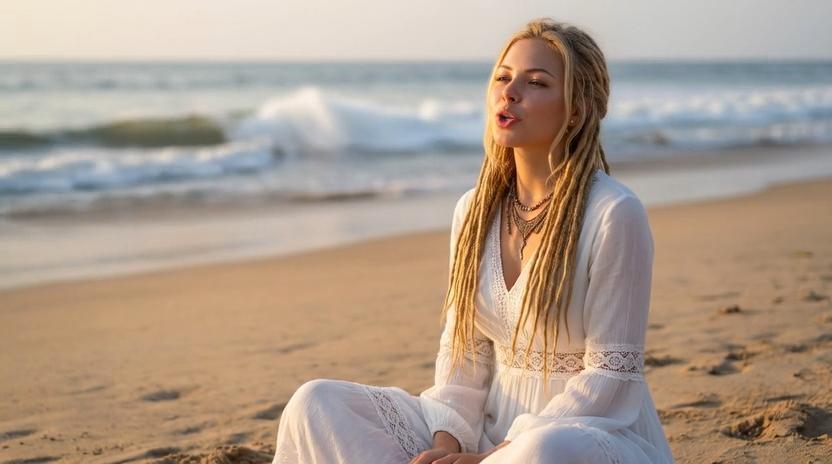
AI Singer Examples - See What the Output Looks Like

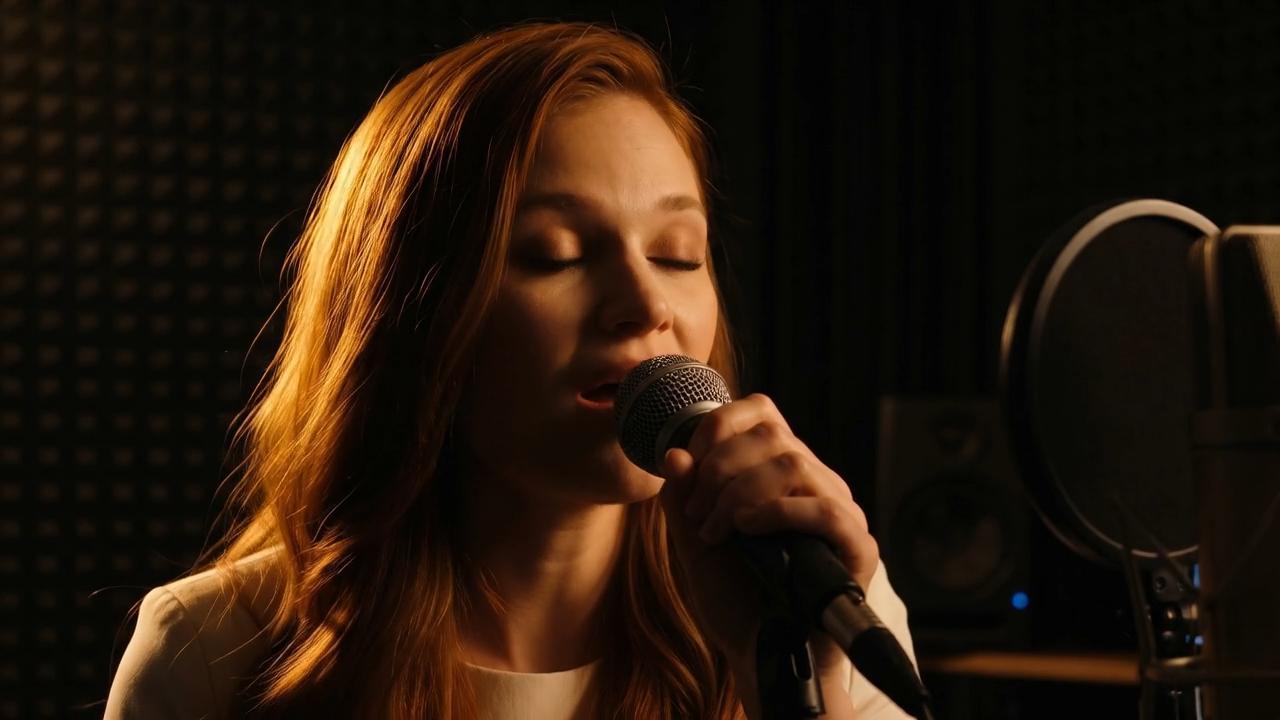
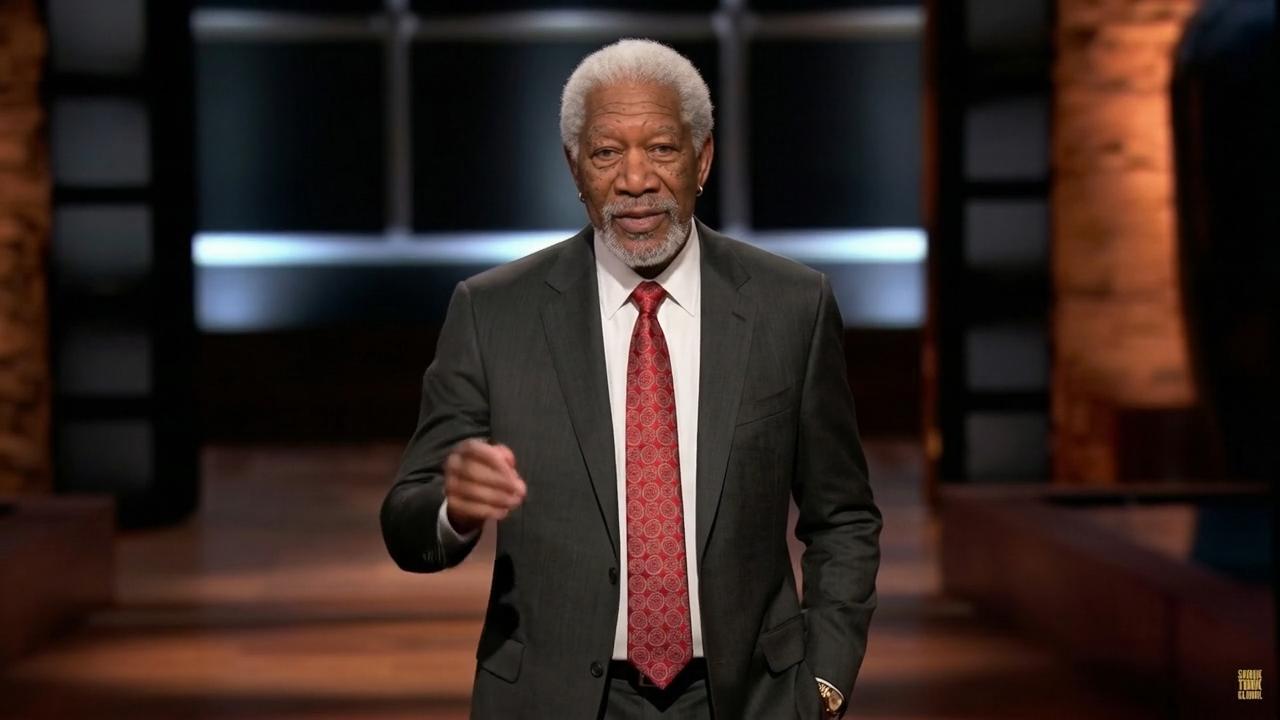
These samples show the range of photos the AI Singer can animate - from portraits to cartoon characters to pets. Each was made with one photo and one audio upload.

Features

What the AI Singer Generator Does

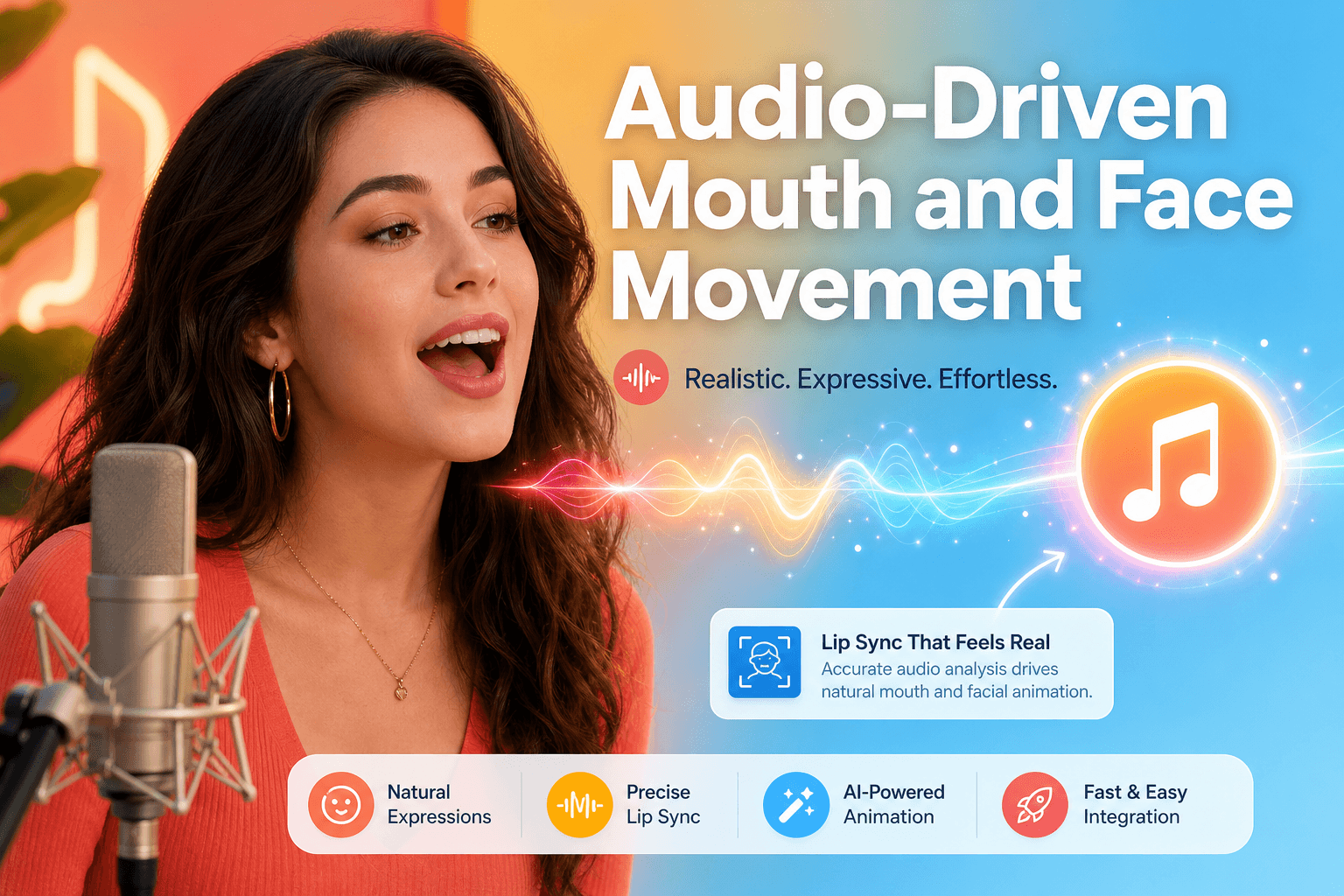
The AI Singer packs facial animation, expression control, multilingual audio support, and direct social export into one workflow.

Realistic Lip Sync Matched to Singing

The AI Singer reads the vocal track at the syllable level, then generates mouth shapes that match the sound of singing rather than speech. Extended vowels, held notes, and rapid runs all produce the correct mouth positions. You get a face that looks like it is genuinely performing the song, not just mouthing words.

Seven Facial Expression Modes

Before you generate, pick the expression that fits the mood: Neutral, Happy, Sad, Angry, Surprised, Fearful, or Disgusted. Choose Happy for an upbeat pop track; choose Sad for a ballad. The AI Singer blends the selected expression into the animation so the face matches the emotional tone of the music.

Animate Any Face - Person, Pet, or Cartoon

The AI Singer works on any image with a visible face. Upload a portrait, a pet photo, a cartoon avatar, or a classical painting. The AI detects the facial structure and adapts the animation to it. A cat's face animates differently from a human face, and the AI Singer handles both.

Multilingual Audio Support

Your AI Singer can perform in English, Spanish, Portuguese, Simplified Chinese, Traditional Chinese, and more. The mouth movements adjust to each language's phoneme patterns automatically - so a Chinese lyric produces different lip shapes than an English one.

Three Ways to Add Audio

You are not locked into uploading a pre-recorded file. The AI Singer accepts typed text converted to a sung voice, an uploaded audio file, or a live recording made directly in the browser - up to 90 seconds. Pick whatever fits your workflow.

Two Generation Models

Singing 1.0 (Basic) runs at 2 credits per second and supports audio up to 90 seconds - good for longer clips. Singing 2.0 (Recommended) runs at 3 credits per second and supports audio up to 40 seconds - best output quality for short social clips.

Workflow

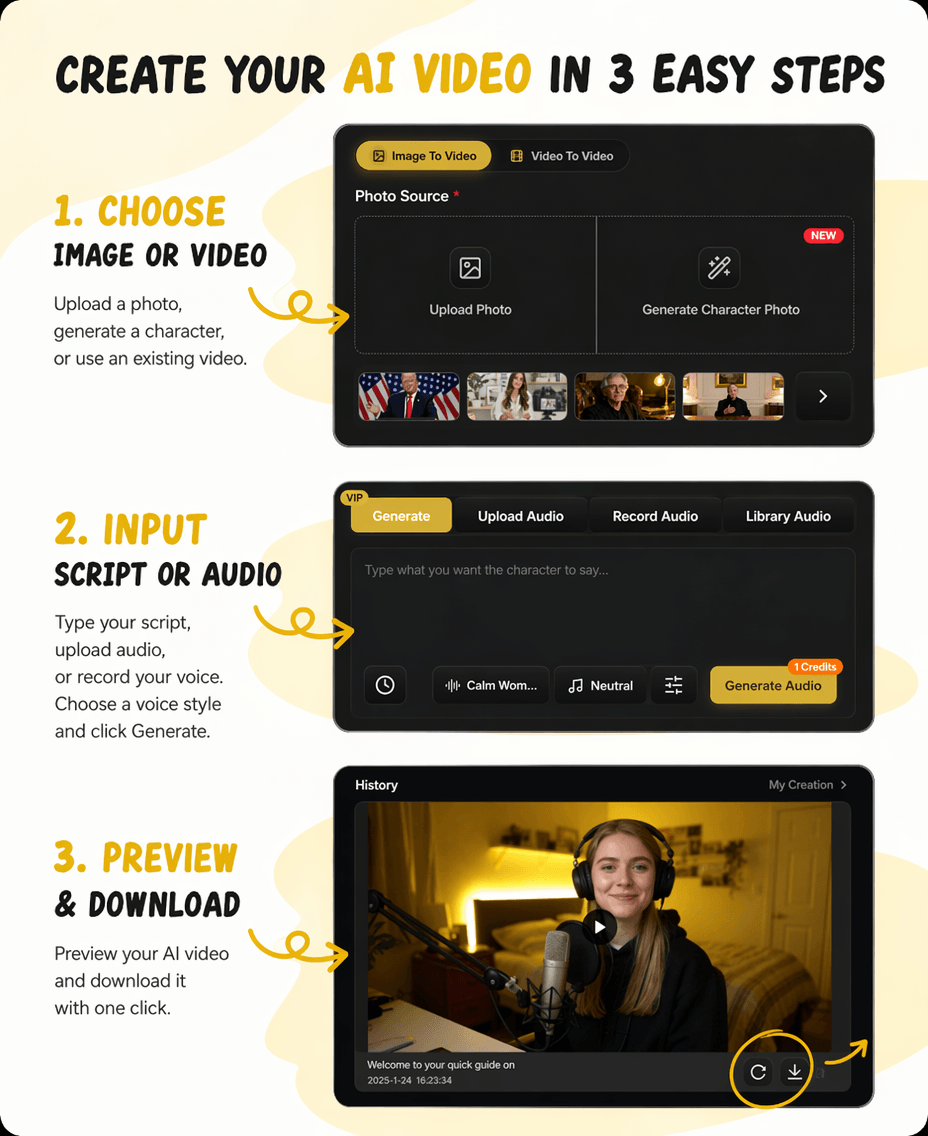
How to Make Any Photo Sing in 3 Steps

The full process takes under five minutes. You need one photo and one audio clip - the AI Singer handles everything else automatically.

3-step flow

From photo to finished singing video

Start with a face, add a song, then review the generated AI Singer video in the same browser workflow.

1

Upload your photo

Choose a clear image with a visible face. Front-facing portraits give the sharpest results, but cartoons, pet photos, and old images all work.

2

Add your audio and pick your expression

Upload an audio file up to 90 seconds, type text to be sung, or record in the browser. Choose a facial expression mode to match the mood of the track.

3

Generate and download

Click Generate. The AI Singer processes the audio, maps each syllable to a mouth pose, renders the animation, and returns a finished MP4.

AI Singer step by step workflow

Use cases

Who Uses an AI Singer - and What For

Content creators, marketers, educators, and everyday users all use AI Singer tools. The output is an MP4 video - what you do with it depends on what you need.

Social media creators making viral clips

A singing portrait is the kind of video that stops a scroll. On TikTok and Instagram Reels, novelty drives shares - and a photo that suddenly starts performing a trending song is both novel and easy to produce. You get the clip in minutes and post it the same day.

Marketers animating brand mascots

If your brand has a character, logo mascot, or illustrated spokesperson, the AI Singer can give it a voice for a jingle or campaign. An animated singing mascot holds attention longer than a static image in an ad or email header. No studio time, no animation budget.

Teachers making lessons more memorable

A portrait of a historical figure singing a song about the period helps students remember the material differently than a textbook paragraph. The AI Singer handles cartoons and old portrait photographs equally well, which gives teachers flexibility on which image to use.

People sending personalised gifts

Turn a friend's photo into a singing birthday message. Turn a couple's engagement photo into a clip of them singing their first dance song. These clips take less than five minutes to create and land very differently from a generic e-card.

Pet owners making fun content

Dogs, cats, and other pets with visible faces can be animated by the AI Singer in the same way human photos are. The AI adapts mouth movement to the animal's face shape. Pet singing videos consistently outperform standard pet photo posts on social platforms.

Compare

AI Singer on InfiniteTalk vs HeyGen Make Photo Sing

Both tools turn photos into singing videos. They differ on expression control, maximum audio length, and how they handle input.

Use InfiniteTalk's AI Singer if you want precise expression control and longer audio support. Use HeyGen if you need platform-preset exports or batch multi-language generation.

FeatureInfiniteTalk AI SingerHeyGen
Facial expression modes
7 preset moods - Happy, Sad, Angry, Surprised, Fearful, Disgusted, Neutral
No pre-generation expression selection
Max audio length
90 seconds (Singing 1.0 model)
Varies by clip length submitted
Input methods
Upload audio, type text, or record in browser
Upload file or choose from voice models
Multilingual support
English, Spanish, Portuguese, Simplified Chinese, Traditional Chinese
Multiple languages via voice models
Privacy
Encrypted, auto-deleted after processing
Encrypted; user retains ownership

Why choose

Why Use InfiniteTalk's AI Singer

There are several AI Singer tools online. Here is what makes InfiniteTalk's version worth using if expression control, language coverage, and input flexibility are things you care about.

Expression control before you generate, not after

Most AI Singer tools animate a face and let you take what you get. InfiniteTalk lets you pick one of seven expression modes before the job runs. If the track is sad, the face looks sad. You do not have to regenerate to fix a mismatched expression.

More ways to add audio than uploading a file

You can type text and have it sung, upload an existing audio file, or record directly in the browser. Creators who want to test a concept before committing to a final production file benefit from the record-in-browser option in particular.

Five languages, not just English

The AI Singer supports English, Spanish, Portuguese, Simplified Chinese, and Traditional Chinese. The lip movements are recalibrated per language - not just the audio. For creators making content for multiple language audiences, this matters.

Your files are not stored

Every photo and audio file is processed in an encrypted environment and deleted automatically after generation. You are not handing your content over to a training dataset.

FAQ

Frequently Asked Questions About AI Singer

Common questions about how AI Singer works, what photos it accepts, how long generation takes, and whether it costs anything to try.

What is an AI Singer and how does it work?

An AI Singer tool takes a still photo and an audio file, detects the face in the image, and generates a video where that face lip-syncs to the audio. The AI maps each syllable of the song to the corresponding mouth shape and adds natural expressions like blinks and head movement. The output is a short MP4 video.

What kinds of photos work with an AI Singer?

Any image with a clearly visible face. Front-facing, well-lit portraits give the sharpest results. Side profiles, cartoon characters, pet photos, illustrations, and old black-and-white photographs all work too. The main requirement is that the face is not covered by sunglasses, hands, or heavy shadows.

Can I use my own song with the AI Singer?

Yes. You can upload an audio file up to 90 seconds long, type in text to be sung, or record audio directly in the browser. The AI Singer syncs the face to whatever audio you provide.

Is the AI Singer free to use?

Free credits are included. You can try the AI Singer without a paid subscription. Subscription plans offer additional credits at discounts up to 68%.

Does the AI Singer work for pet photos?

Yes. Dogs, cats, and other animals with visible faces can be animated. The AI adjusts mouth movement to fit the animal's facial structure. Pet AI singing videos are a popular use case for social media content.

How many languages does the AI Singer support?

The tool currently supports English, Spanish, Portuguese, Simplified Chinese, and Traditional Chinese. The mouth movements are recalibrated per language, so a Spanish lyric produces different lip shapes than an English one.

Is my photo safe to upload?

Yes. Every photo and audio file is processed in an encrypted environment and deleted automatically after generation. Your data is not used for AI model training or shared with third parties.

How long does the AI Singer take to generate a video?

Generation time depends on clip length. Short clips under 30 seconds typically finish within a few minutes. The process runs entirely in the cloud, so you can close the browser and come back when it is ready.

Try the AI Singer Free - No Editing Skills Needed

Upload a photo, add a song, and your AI Singer video is ready in minutes. Free credits are included - no credit card required to get started.

Supports English, Spanish, Portuguese, Chinese, and more. Your photos are encrypted and deleted after processing.