AI Music Video Generator

AI Music Video Generator for Singing Photos

Create an AI Music Video from one photo and your own song. InfiniteTalk uses your audio to drive face and mouth movement, then returns a shareable MP4.

MP3,WAV,M4A,OGG,FLAC
Free

Want Multi-Character Conversations?

Create realistic dialogues with multiple speakers using Infinite Talk Multi AI

AI Music Video Preview

Definition

What Is an AI Music Video?

An AI Music Video is a video created or animated with AI to connect a song, vocal track, or beat with matching visual movement. InfiniteTalk focuses on one clear format: a visible face following the audio you provide.

  • Start with one clear face image and your own audio
  • Use uploaded audio or record directly in the browser
  • Choose 480p, 720p, or 1080p before generation
  • Review and download the finished MP4

Prepare your inputs

Get a Better Singing Photo Music Video

Clear source media matters more than extra prompting. Start with a readable face, a clean audio excerpt, and the resolution that fits your publishing plan.

Choose a readable face

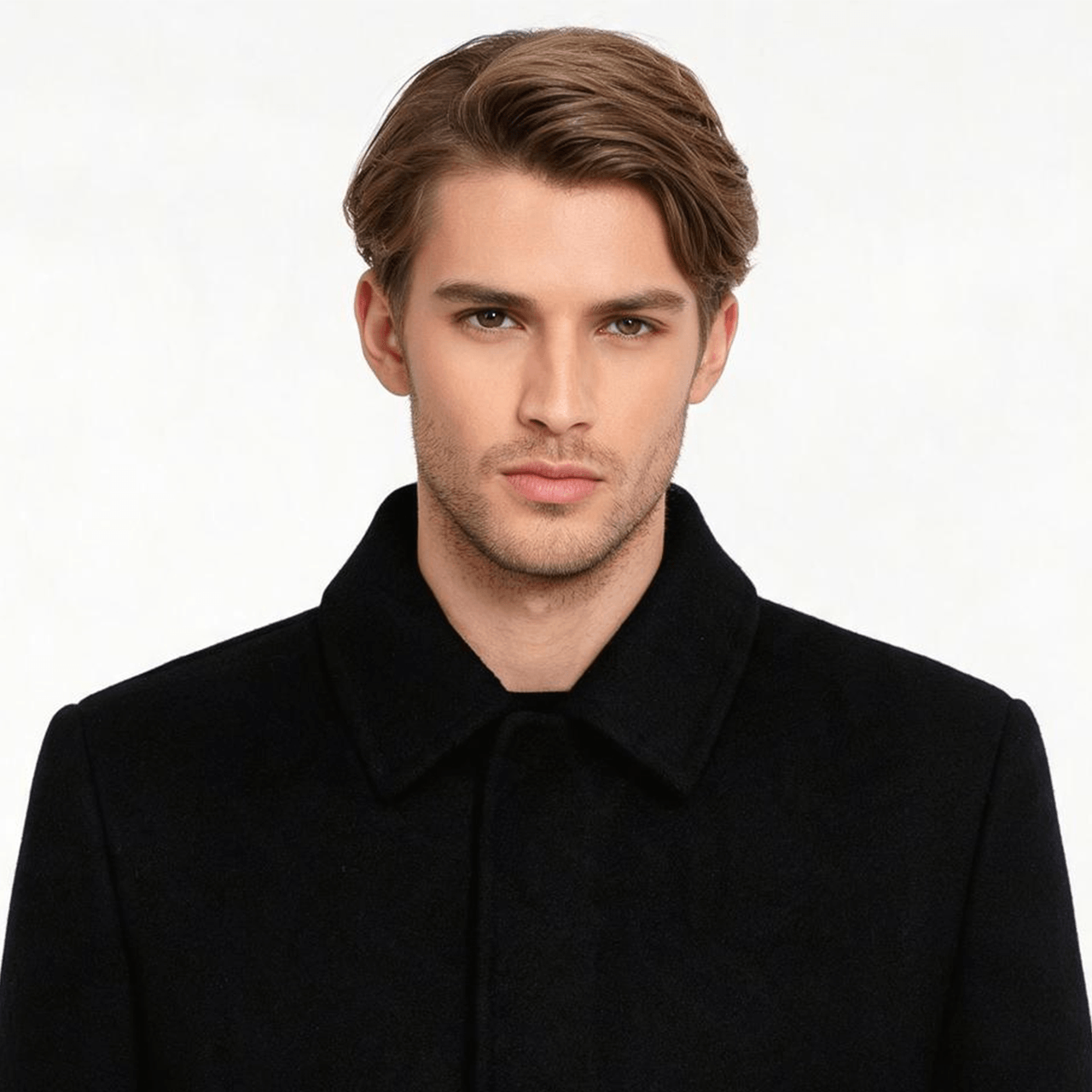
Use a front-facing image with even light and a visible mouth. Avoid tiny faces, heavy shadows, hands over the mouth, and aggressive crops. Portraits are the safest starting point, while illustrations, mascots, paintings, and pet photos should be tested before a campaign launch.

Use a focused audio excerpt

Choose a chorus, hook, greeting, or short vocal passage with a clear beginning and end. Uploaded audio is not locked to a language selector, but every result should be reviewed for mouth timing before publication. Use only audio and likenesses you have permission to publish.

Output settings

Resolution, credits, and trial limits

Clips up to five seconds use the minimum charge. Longer clips use the per-second rate, rounded up to the next full second.

ResolutionRateMinimumTrial
480p1 credit / second5 creditsEligible up to 15 seconds
720p2 credits / second10 creditsEligible up to 15 seconds
1080p3 credits / second15 creditsCredits required

Account eligibility and the live credit estimate shown in the generator remain the final source of truth.

Features

AI Music Video Features for Singing Photos

The workflow stays centered on the performance: choose a face, supply the sound, select an output resolution, and review the finished clip.

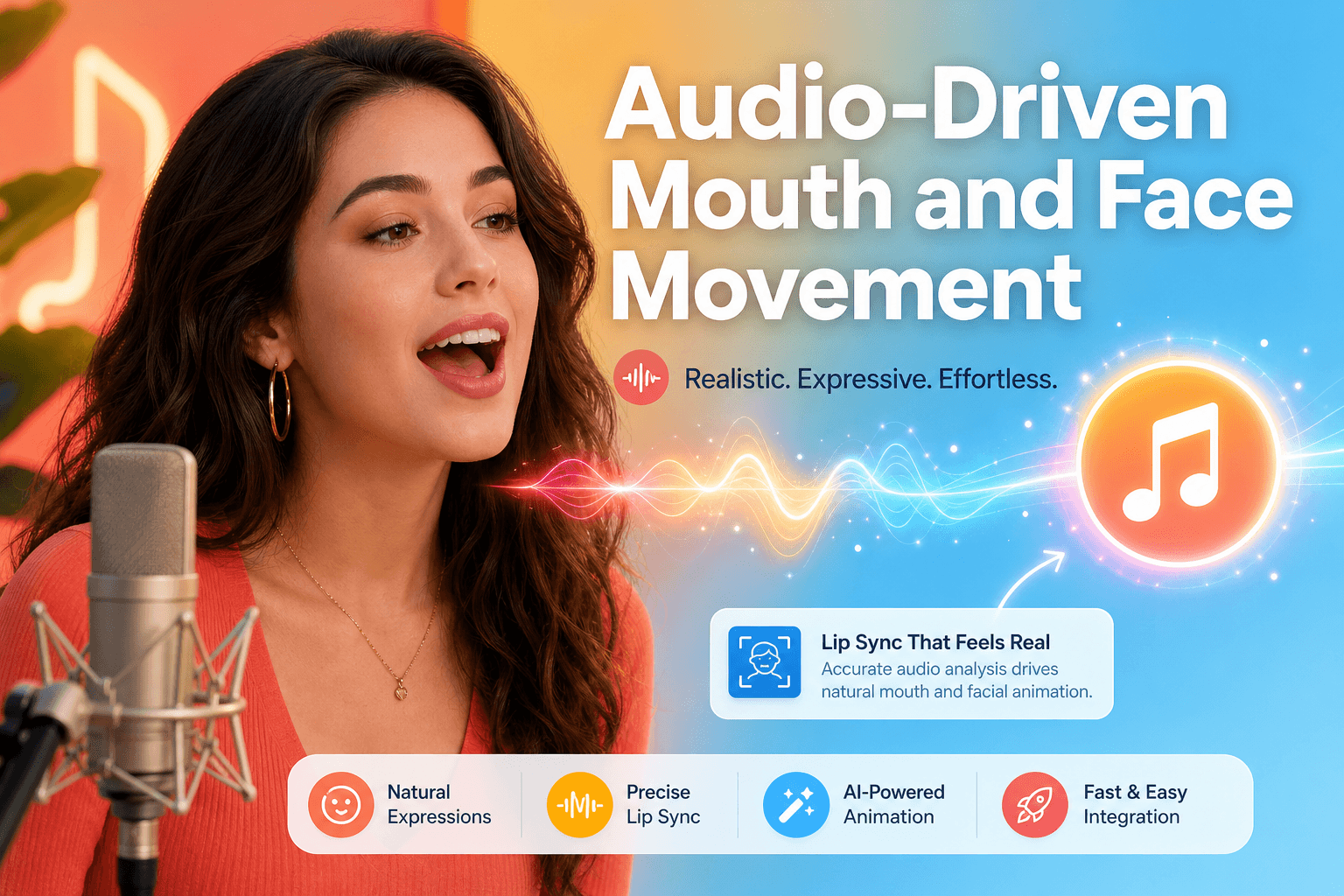
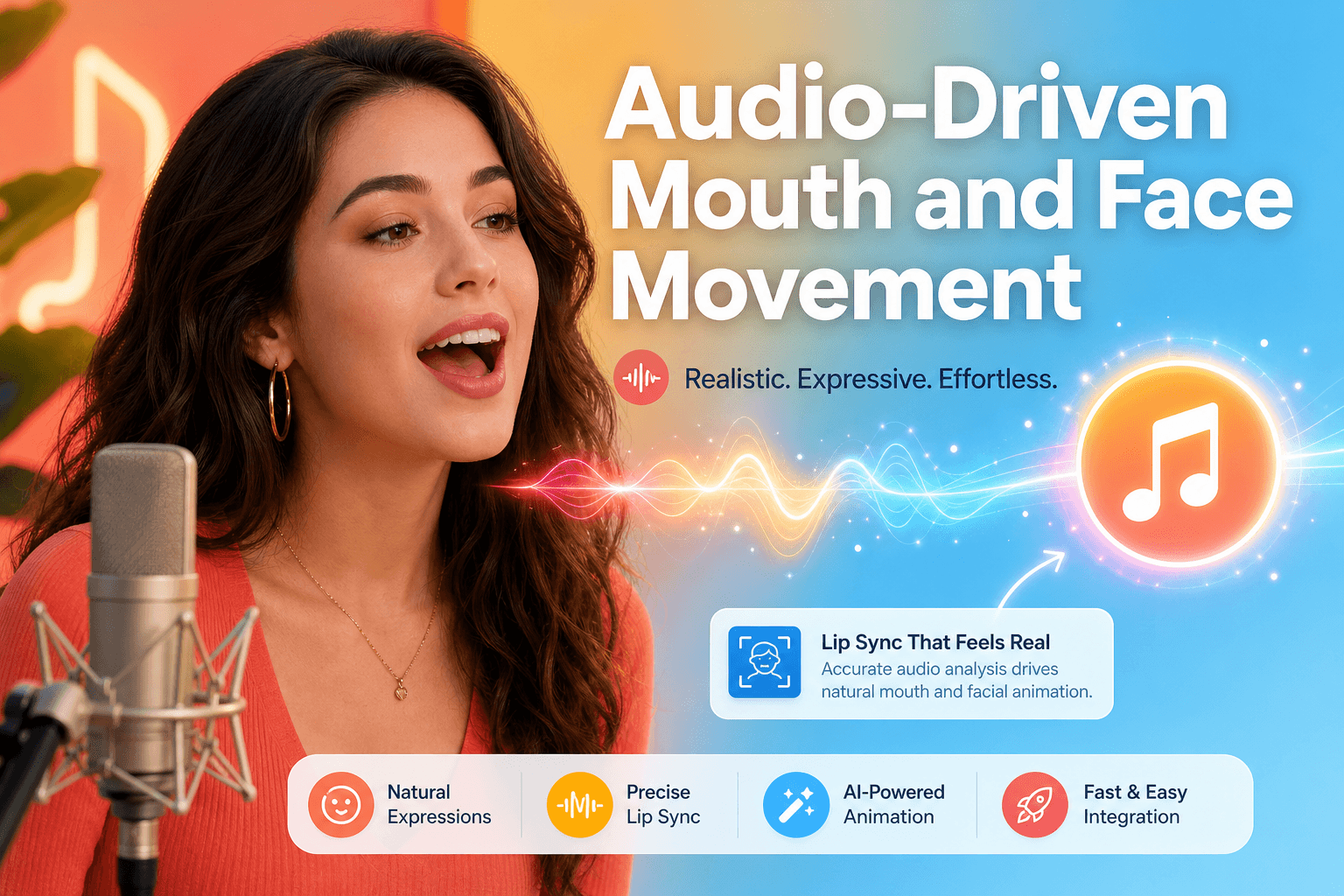
Audio-driven mouth and face movement synced to a vocal track

Audio-Driven Mouth and Face Movement

Upload a song or vocal track and use it to drive the visible face. InfiniteTalk keeps the workflow focused on a single character instead of assembling unrelated scenes.

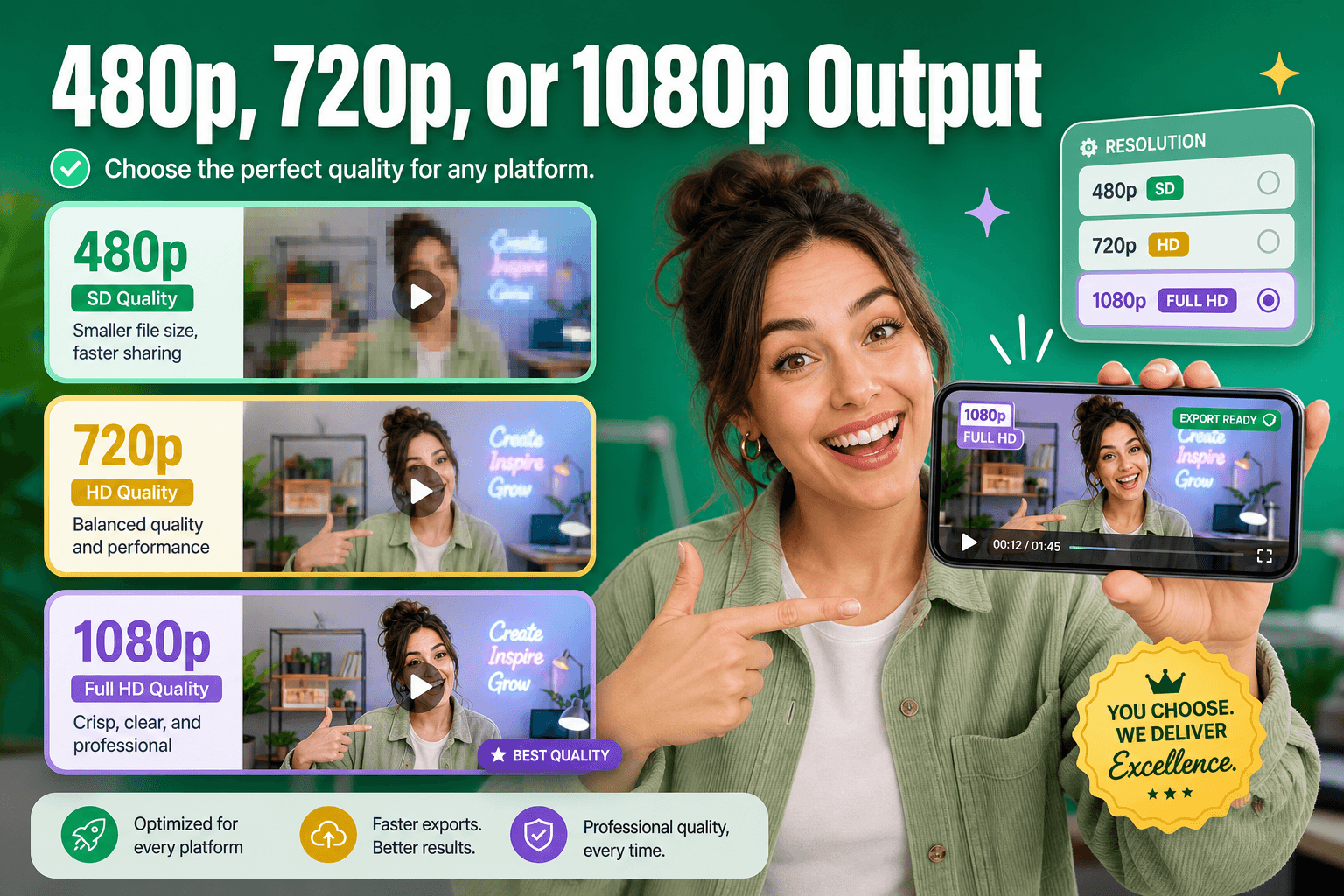
Choose 480p, 720p, or 1080p output resolution before generation

480p, 720p, or 1080p Output

Choose the resolution before generation. Eligible trial generations support 480p and 720p with audio up to 15 seconds; longer clips and 1080p use credits.

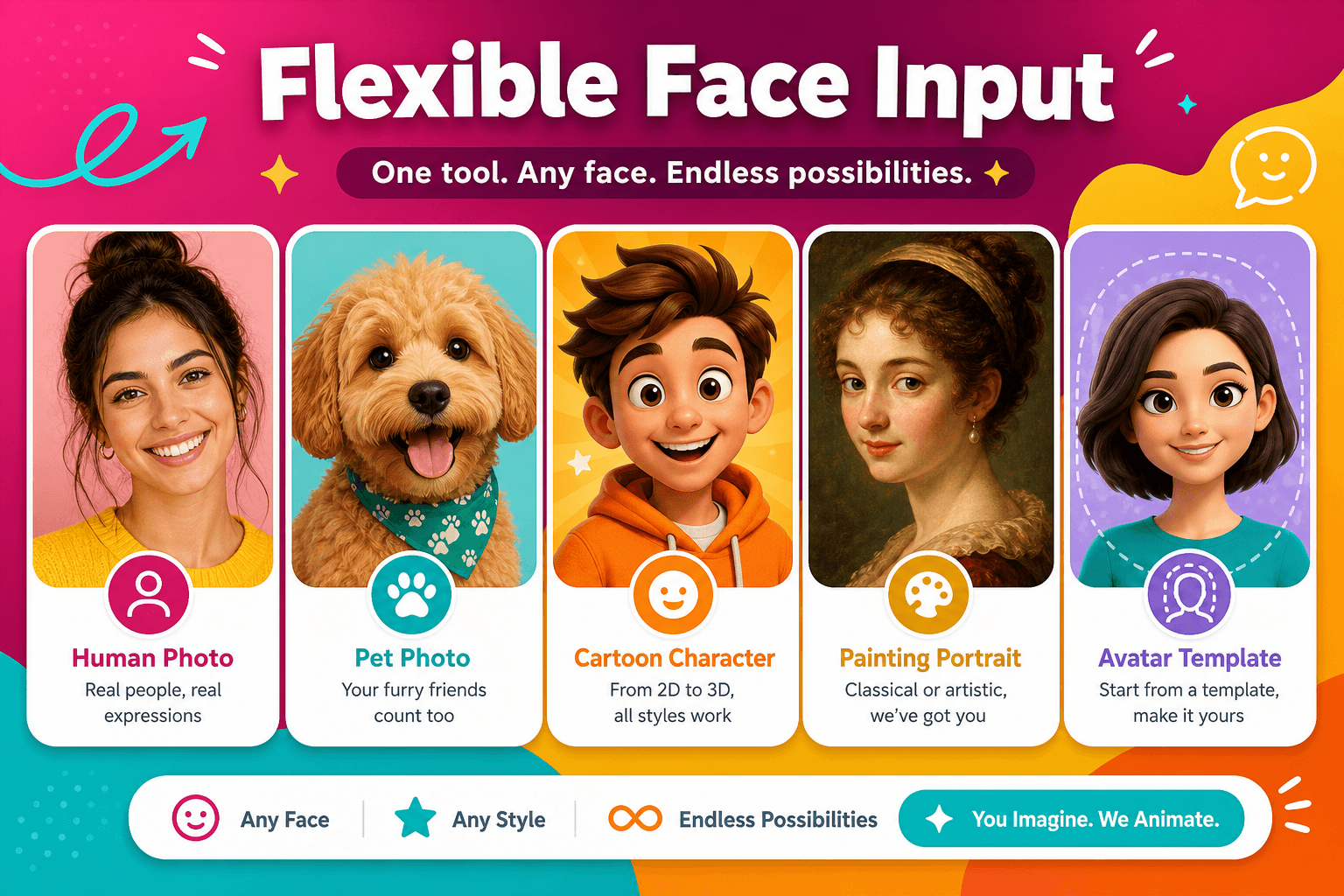
Portrait, pet, cartoon, painting, and avatar face input options

Flexible Face Input

Start with a clear portrait, pet photo, cartoon, painting, or another image with a visible face. You can also use the built-in avatar templates.

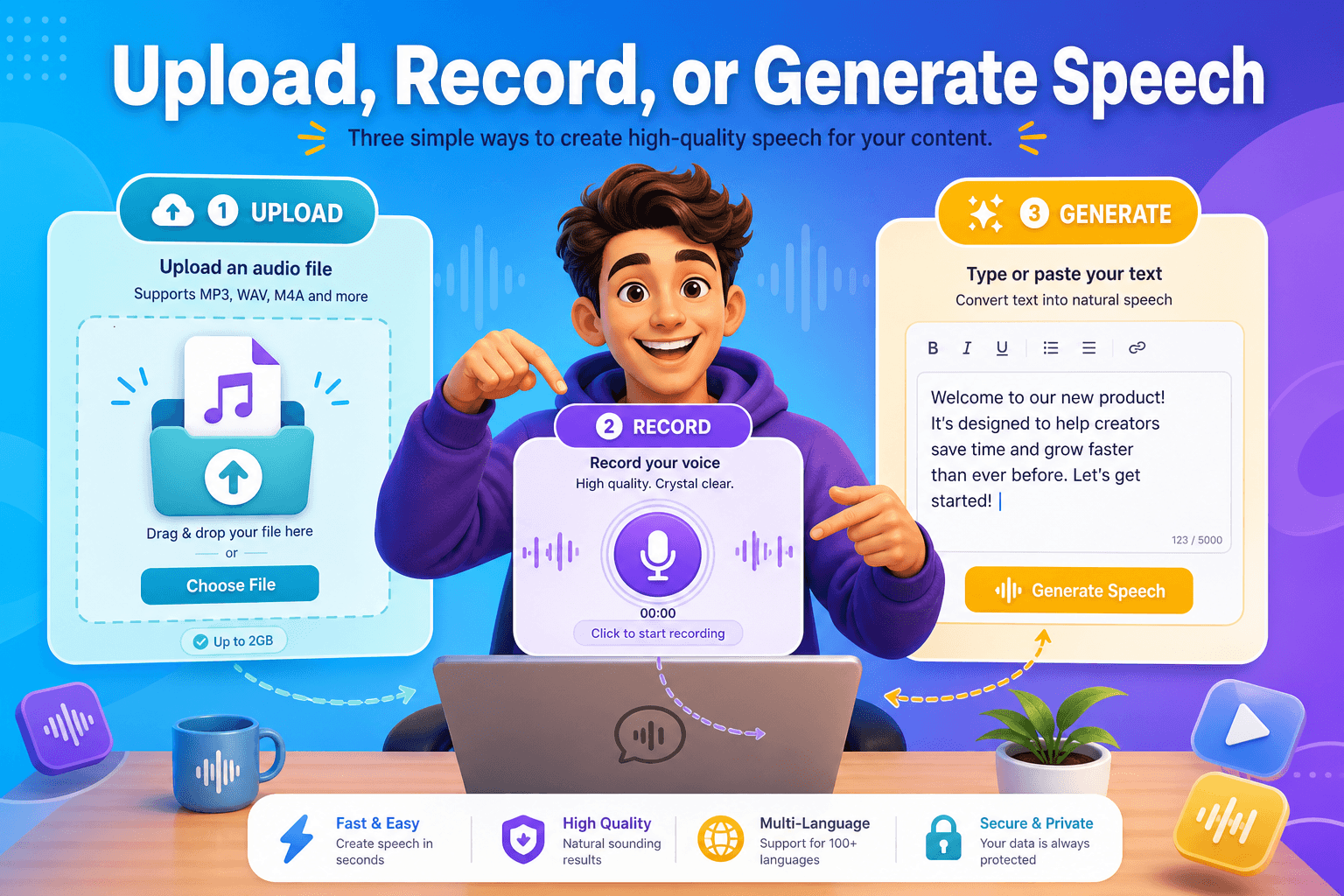
Upload audio, record in browser, or generate speech from text

Upload, Record, or Generate Speech

Upload existing audio or record in a supported browser. Paid members can also convert typed text into spoken audio with a selected TTS voice.

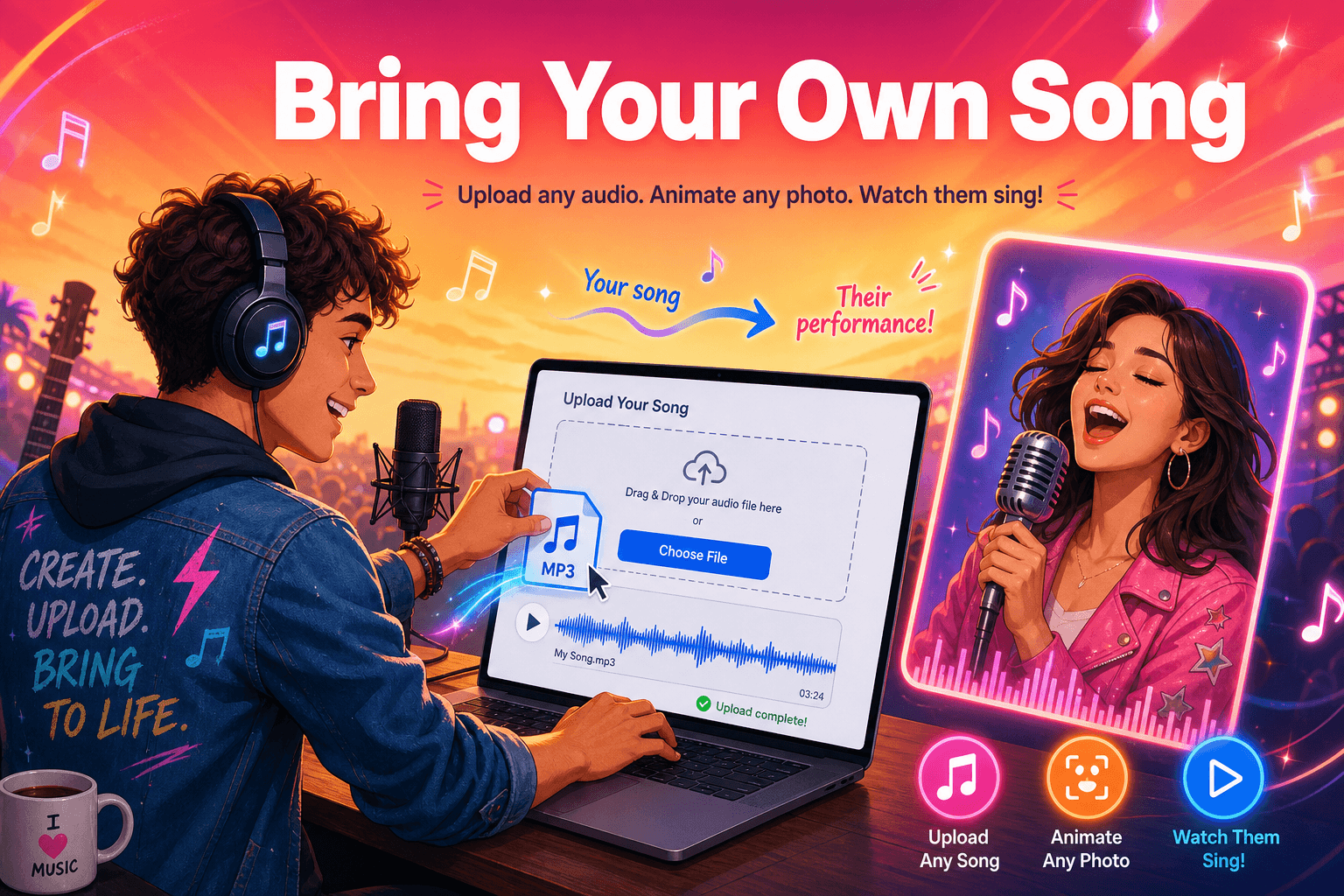
Upload your own song to drive a singing photo performance

Bring Your Own Song

Use the audio you want the face to follow. The interface does not lock uploaded audio to a fixed language list, so review every result before publishing.

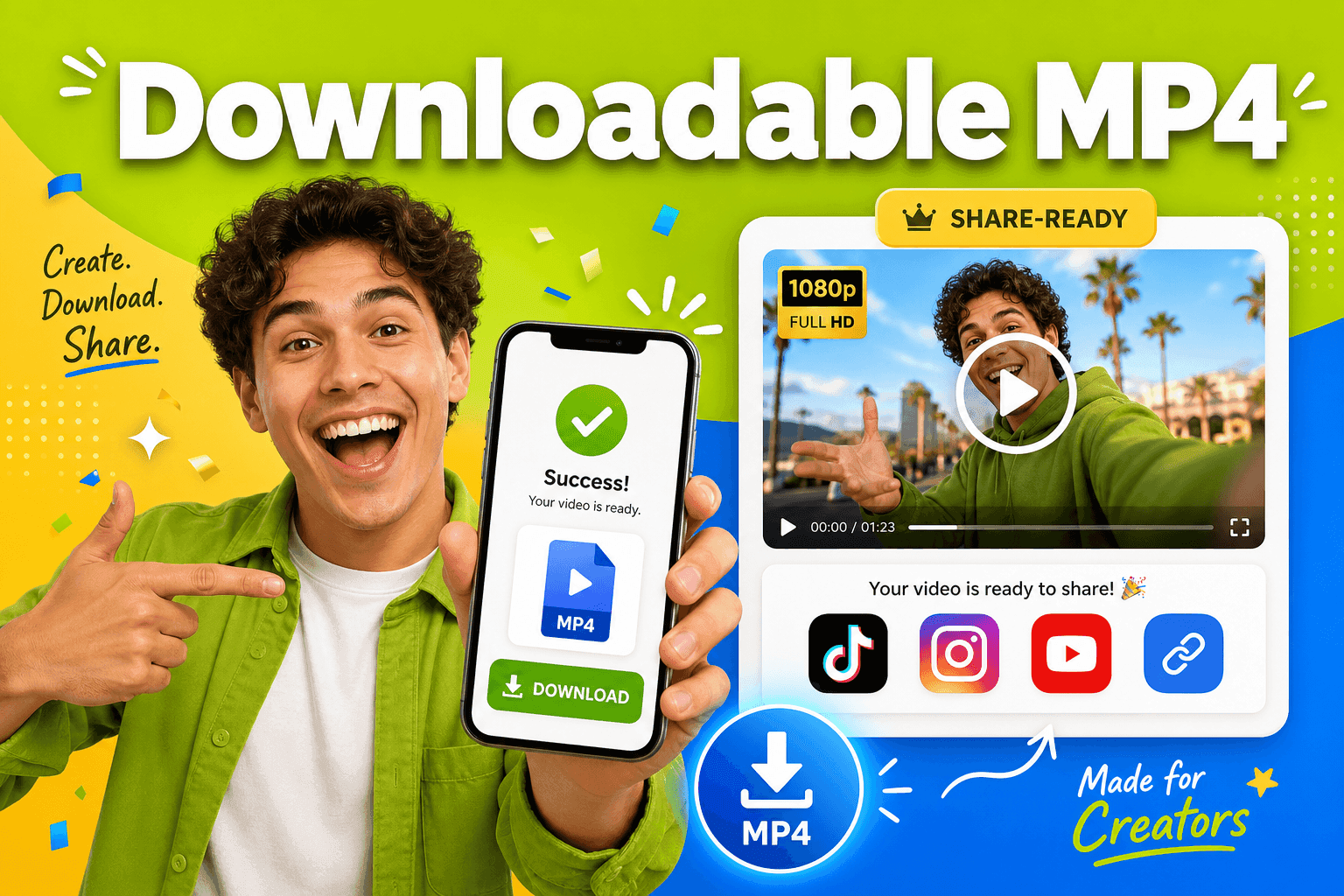
Download MP4 and share to TikTok, Instagram, and YouTube

Downloadable MP4

Review the finished AI Music Video in the browser, download the MP4, and prepare it for TikTok, Instagram, YouTube, or your regular editing workflow.

Showcase

See AI Music Video Examples

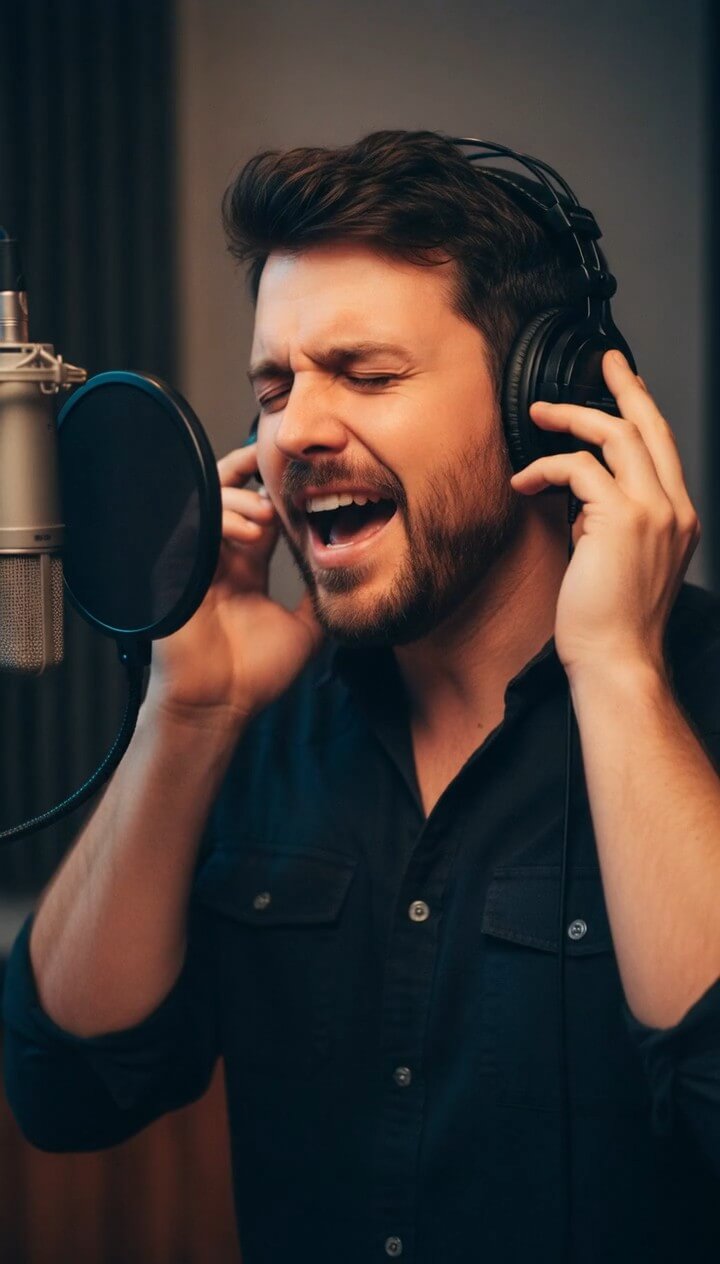
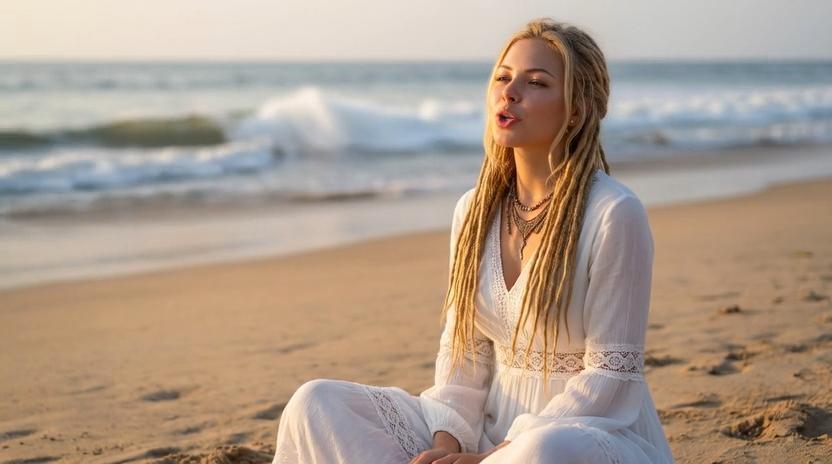
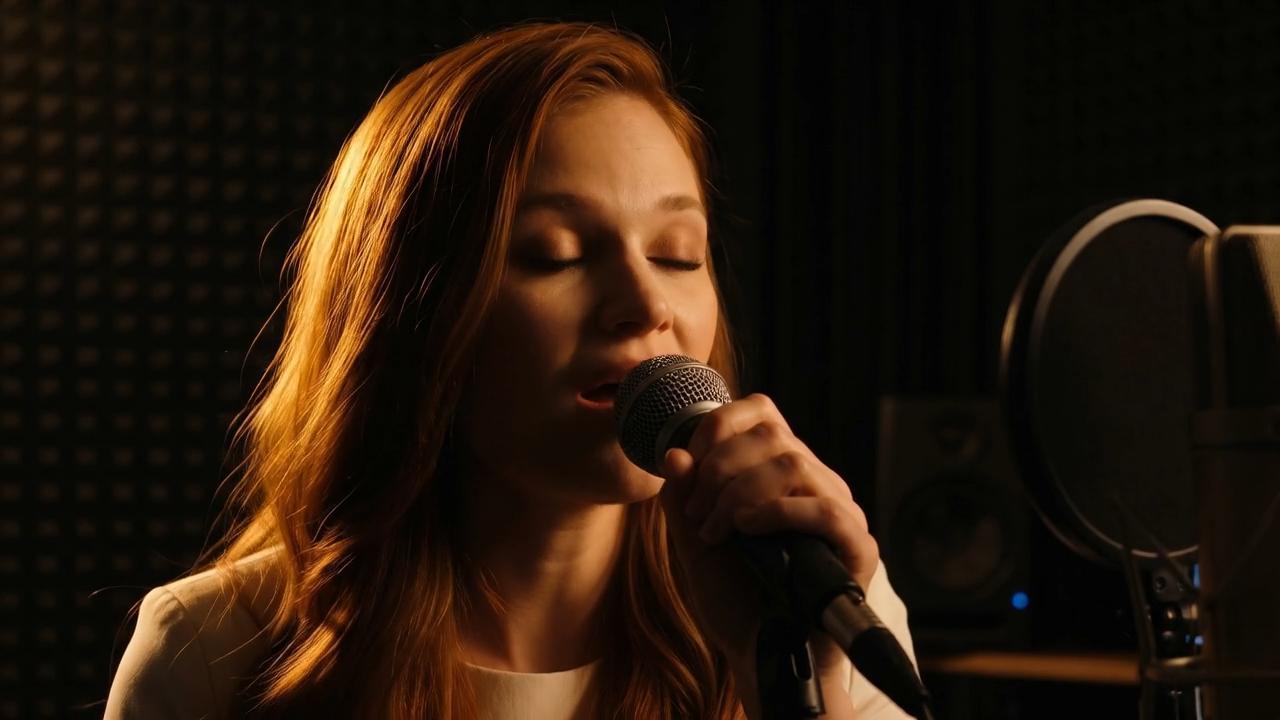
These verified samples use the same InfiniteTalk generator workflow, with portraits, illustrated characters, and different audio-led performances.

Workflow

How to Make an AI Music Video in 3 Steps

Bring one clear image and one audio track. InfiniteTalk handles the face animation and returns a downloadable video in the same browser workflow.

01

Source image

Upload a visible face

Start with a front-facing portrait, pet, cartoon, painting, or another clear image.

JPG, PNG, WEBP

02

Audio track

Add your song or vocal

Upload audio or record in the browser. Paid members may generate spoken TTS audio from text.

Upload, record, or TTS

03

Final video

Generate, review, export

Check mouth movement and source-image quality, then download the finished video.

480p, 720p, or 1080p

Visual

Photo or avatar

Sound

Song or vocal track

Output

Downloadable video

Use cases

AI Music Video Use Cases

A face-led AI Music Video works best when one recognizable character carries the idea.

Musicians sharing hooks and song previews

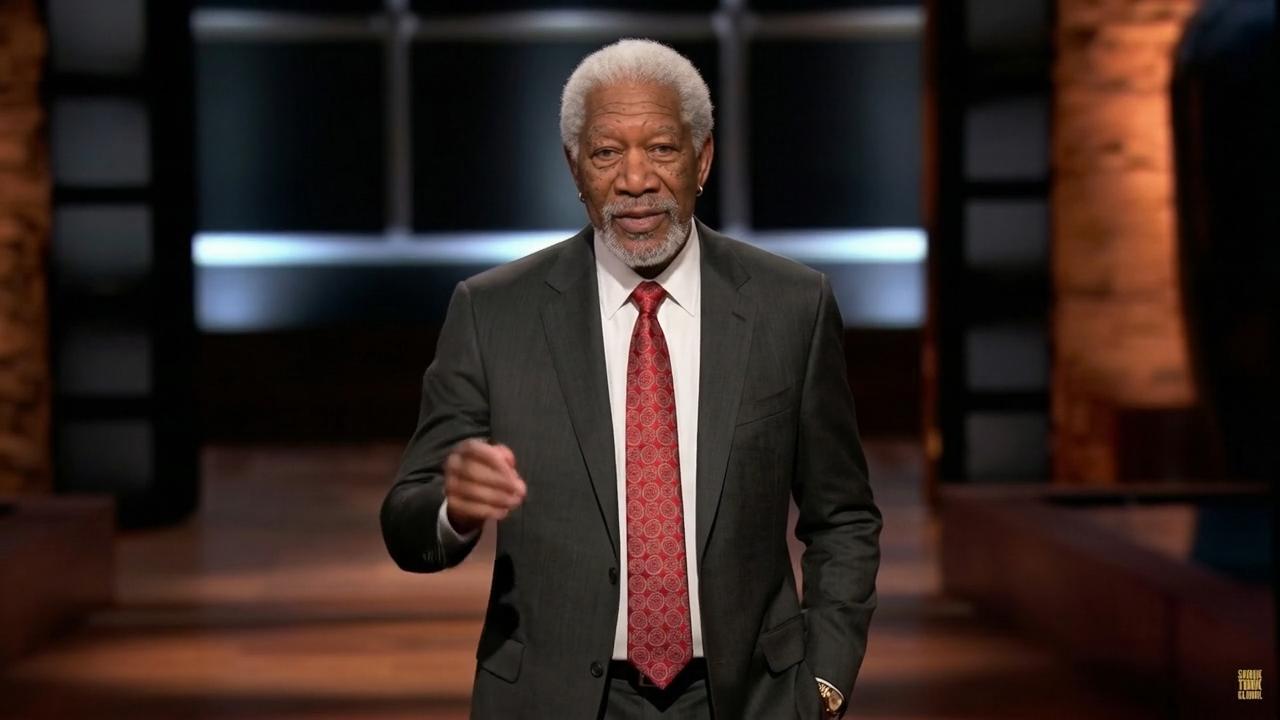
Turn cover art, a portrait, or an illustrated character into a short performance for a release teaser when you do not have live footage.

Creators making character-led social clips

Pair a recognizable chorus, original voice, or comic line with a person, pet, cartoon, or recurring channel mascot.

Brands animating a mascot

Use an owned character image and licensed audio to create a face-led jingle, announcement, or seasonal message.

Personal greetings and gifts

Combine a permitted photo with a birthday line, anniversary song, or custom recording to make a more personal video message.

Educators presenting a memorable character

Animate a licensed illustration or public-domain portrait with original learning audio, and label synthetic media clearly when appropriate.

Compare

InfiniteTalk vs Other AI Music Video Generators

Choose InfiniteTalk when a recognizable face should follow supplied audio. Choose a scene-based tool when you need beat-led cuts, timed lyrics, choreography, or a multi-scene story.

Looking specifically for character performance and make-photo-sing guidance? Visit the AI Singer generator.

ToolInput and controlOutput focus
InfiniteTalk
Photo or source video plus uploaded audio or browser recording; paid-member TTS is optional
Face-led AI Music Video with audio-driven movement and MP4 download
Freebeat
Music upload or supported music link, with style and character controls
Music, lyric, dance, storytelling, and abstract video formats
Neural Frames
Track upload, style selection, character controls, and prompt refinement
Audio-reactive, beat-synced music video with 4K export
SunoMV
Suno link, generated song, or uploaded audio
Auto-synced lyrics, subtitle styles, and export up to 2K
Invideo AI
Text prompt with details such as length, platform, and voiceover
Scripted scenes with media, music, voiceovers, subtitles, and effects

Why choose

Why Choose InfiniteTalk for an AI Music Video?

InfiniteTalk is built for a specific result: making a visible face follow supplied audio in one browser workflow, with downloadable output at selectable resolutions.

Your character stays at the center

InfiniteTalk starts from your image instead of generating an unrelated sequence. A mascot stays recognizable, and a personal video preserves the selected photo.

You choose the output resolution

Select 480p, 720p, or 1080p based on where the video will be used and how many credits you want to spend.

Your existing audio fits the workflow

Upload a finished track or record directly in the browser. Paid-member TTS is available for spoken clips, but is not presented as text-to-singing.

The result is ready for the next step

Download the MP4, then add captions, crops, titles, or channel-specific formatting in the editor you already use.

Real output

AI Music Video Results You Can Inspect

We do not publish invented ratings or testimonials. Use the playable gallery above to inspect source-image range, face movement, and output quality before you generate.

Playable examples

Watch the actual MP4 samples instead of relying on a static before-and-after claim.

Different source styles

Compare portraits, illustrations, and character images across the verified gallery.

Clear product limits

Trial, resolution, TTS, and output-format constraints are stated before the final call to action.

FAQ

AI Music Video FAQ

Direct answers about inputs, output, trial limits, TTS, rights, and where this generator fits.

What does an AI Music Video generator do?

An AI Music Video generator connects music or vocals with generated or animated visuals. InfiniteTalk takes a face image and audio, then creates a face-led performance with audio-driven mouth and facial movement.

Can I create an AI music video from my own song?

Yes. Upload an audio file you own or have permission to use. Review the finished lip sync before publishing, especially for fast lyrics or unusual vocal delivery.

Can I create a music video from audio and one image?

Yes. One clear face image and one audio source are the core inputs. Portraits, illustrations, cartoons, paintings, and pet photos can be tested in the same workflow.

How is this different from the AI Singer page?

Both pages use the same face-and-audio generator. AI Singer targets character performance and make-photo-sing searches; this page focuses on creating a face-led music video for releases, social clips, and music campaigns.

Is there a free AI music video generator option?

Eligible accounts may receive a limited trial generation. Trial output supports 480p or 720p with audio up to 15 seconds; longer clips and 1080p require credits.

Can I type text instead of uploading audio?

Paid members can convert typed text into spoken audio with a selected TTS voice. This produces speech, not a generated singing vocal.

Do I need video editing experience?

No advanced editing is required to generate the face-led clip. You may still use an editor afterward for captions, multiple scenes, crops, or a longer final cut.

What images work best?

Use a clear image with a visible, unobstructed face. Front-facing portraits are the safest starting point; heavy shadows, covered mouths, and very small faces are harder to read.

Can InfiniteTalk make lyric videos or dance videos?

InfiniteTalk focuses on a face following supplied audio. For timed on-screen lyrics, full-body choreography, or multi-scene editing, use a tool that explicitly supports those formats.

Can I use audio in different languages?

You can upload audio without selecting a language in the current interface. There is no language-specific lip-sync setting, so review each result before publishing.

Can I post the result on social media?

Yes. Download the MP4 and prepare it for TikTok, Instagram, YouTube, or another channel. Confirm that you have rights to the image, audio, voice, and likeness.
Create Your AI Music Video

Pick a face, add your song, and create an AI Music Video with audio-driven mouth and face movement at your chosen output resolution.

Eligible accounts may have a limited trial generation. Current eligibility, duration limits, resolution limits, and credit cost appear in the generator.