Quick intro
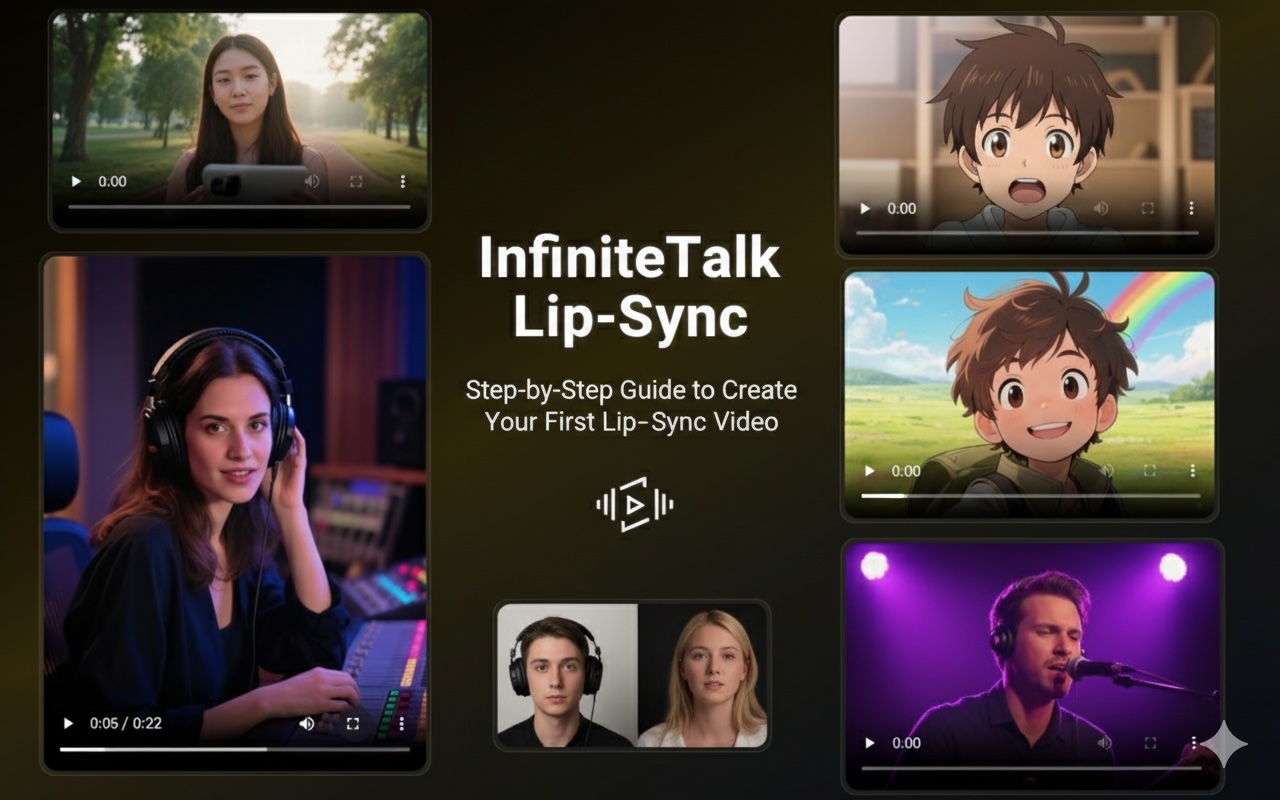
InfiniteTalk Lip‑Sync lets a static image speak naturally when paired with an audio track. If you’ve never tried it, this guide gives you a zero‑thinking workflow: pick a scene, copy the prompts, generate an image, produce a voice clip, upload to InfiniteTalk, and download the final video.
Tools used in this guide
Image generator: Seedream4 — https://www.seedream4.net/seedream4
Text‑to‑speech: VibeVoice — https://www.vibevoiceai.com/vibevoice
(Optional) Character video generator: Seedance — https://www.seedancepro.com/seedance
InfiniteTalk web tool: https://www.infinitetalk.net/infinitetalk
How to use this page
Pick one of the four scenarios below. Each scenario is a complete, end‑to‑end recipe: image prompt → voice script → TTS settings → InfiniteTalk prompt. Copy and paste the exact prompts into the corresponding services, then upload the results to InfiniteTalk to produce your talking video.
Scenario 1 — Outdoor Vlogger
Image prompt (Seedream4)
portrait of a young European female vlogger, casual summer outfit, standing in a park during golden hour, natural sunlight, soft bokeh background, photorealistic
Voice script (VibeVoice)
Hey everyone! Welcome back to my channel. Today I’ll show you how InfiniteTalk makes photos come alive with lip sync in just seconds.
Recommended TTS settings: female, casual, lively, speed 1.05
InfiniteTalk prompt
natural lip sync, friendly smile, relaxed head movement, expressive eyes, casual and engaging
Notes: Choose a photo aspect that preserves the face area (square or 4:5). Avoid heavy facial occlusions like large sunglasses or hats.
Scenario 2 — Kitchen Chef Presentation
Image prompt (Seedream4)
middle-aged European male chef, white apron, rustic kitchen background with copper pans and warm cinematic lighting, photorealistic, bust shot
Voice script (VibeVoice)
Hello everyone! I’m here in my kitchen to introduce you to InfiniteTalk. With this AI, any picture can start speaking just like me.
Recommended TTS settings: male, warm narrator, speed 0.95
InfiniteTalk prompt
professional lip sync, clear articulation, subtle hand gestures implied, confident and warm expression
Notes: The kitchen backdrop should be visible but not distracting. Copper pans or textured brick walls add cinematic depth.
Scenario 3 — Laboratory Scientist
Image prompt (Seedream4)
female scientist in her 30s, lab coat, modern laboratory with microscopes and glassware, soft cool lighting, photorealistic, head and shoulders
Voice script (VibeVoice)
Welcome to the lab. Today I’ll explain, step by step, how InfiniteTalk Lip‑Sync works. It’s simple, fast, and surprisingly accurate.
Recommended TTS settings: female, calm and professional, speed 0.90
InfiniteTalk prompt
slow and precise lip sync, calm expression, slight head nods, focused eye contact with the viewer
Notes: Use a neutral background with lab equipment slightly out of focus to emphasize the face.
Scenario 4 — Anime Adventure Boy
Image prompt (Seedream4)
anime style teenage boy, cheerful, backpack, standing in a green field with a rainbow in the background, bright colorful illustration, detailed eyes
Voice script (VibeVoice)
Hi there! I’m your adventure buddy, and I just learned how to talk with InfiniteTalk. Isn’t this amazing?
Recommended TTS settings: youthful male, energetic, speed 1.10
InfiniteTalk prompt
exaggerated lip sync, cheerful expression, big smile, animated head movement, playful and fun
Notes: For stylized art (anime), pick an InfiniteTalk mode that supports illustration styles or use Image‑to‑Video with an anime‑savvy preset.
Step‑by‑step production checklist (one‑line summary)
Copy image prompt → Seedream4 → generate and download image.
Copy voice script → VibeVoice → generate and download MP3/WAV (set speed per recommendation).
Go to InfiniteTalk web tool → choose Image‑to‑Video (or Video‑to‑Video if using Seedance output) → upload image and audio.
Paste the scenario’s InfiniteTalk prompt into the Prompt field → set resolution (720p recommended for fast testing) → Generate.
Download final MP4 and review. If lips are off, slow the TTS rate by 5–10% and re‑generate.
Final tips
For faster testing, use 5–10 second clips and 480–720p resolution. Switch to 1080p once you’re satisfied.
Cleaner audio always improves sync. Remove background noise or use direct TTS output.
If the face looks stiff, add keywords like
micro-expressionsorsubtle head turnsto the InfiniteTalk prompt.
Ready to start? Choose a scenario and create your first InfiniteTalk Lip-Sync video.